Plus500 has been one of the best CFD brokers globally since 2008. The broker offers a wide range of online CFDs on forex, shares, commodities, and more!
Claire Maumo, a financial writer at TradingGuide, specialises in personal finance, forex, cryptocurrencies, and contemporary assets like NFTs. With a strategic mindset, she provides expert insights to empower readers in wealth creation and trading.
Fact checked
All content marked as Fact-Checked is reviewed to meet the highest standards of accuracy, relevance, and timeliness. Our editorial team verifies key facts, data, and claims against reliable, authoritative sources and regularly updates articles to reflect the latest information.
Over 100 million traders use TradingView, and for good reason. The charts are exceptional, the community is active, and you can now execute trades directly from the platform without switching to a separate broker interface. But finding the best TradingView brokers UK is harder than it looks. Not every broker that claims TradingView integration actually delivers a clean experience. Some connections drop mid-session. Others restrict which instruments you can trade through them.
I tested various FCA-regulated brokers with real money on their TradingView setups. After spending hundreds of hours in the process, below is what I found.
During research, my starting point was confirming which TradingView brokers offered genuine integration rather than simply embedding TradingView charts inside their own platforms. There is a meaningful difference.
Embedded charts let you view TradingView’s tools on the broker’s site. Direct integration means you log into TradingView itself, connect your broker account, and place and manage trades without leaving TradingView at all. Every broker on this list supports the latter.
Regulation came next. All my top recommendations hold FCA authorisation. This means they cover client fund segregation, negative balance protection on retail CFD accounts, and FSCS eligibility up to £85,000.
I then funded live accounts and tested the TradingView connection at some brokers. Total deposits across the five came to £1,300. £250 at Spreadex, £180 at Capital.com, £320 at FxPro, £250 at Pepperstone, and £300 at IG. I executed trades on TradingView charts, tested how smoothly positions updated in real time, checked execution speed during active sessions, and attempted withdrawals from each account.
I also analysed user comments and ratings regarding the best TradingView brokers UK at Google Play, the App Store, and Trustpilot. Where users had recurring issues and complaints, I investigated them during live testing and shared my opinion in the mini reviews below.
Web Platform, Mobile App, Social Trading/Copy Trading, MT4, Proprietary Platform, Virtual Trading
PayPal, Visa/Mastercard, Bank Wire
No
Demo, Standard, FX Active, Corporate
1. Pepperstone - Overall Best
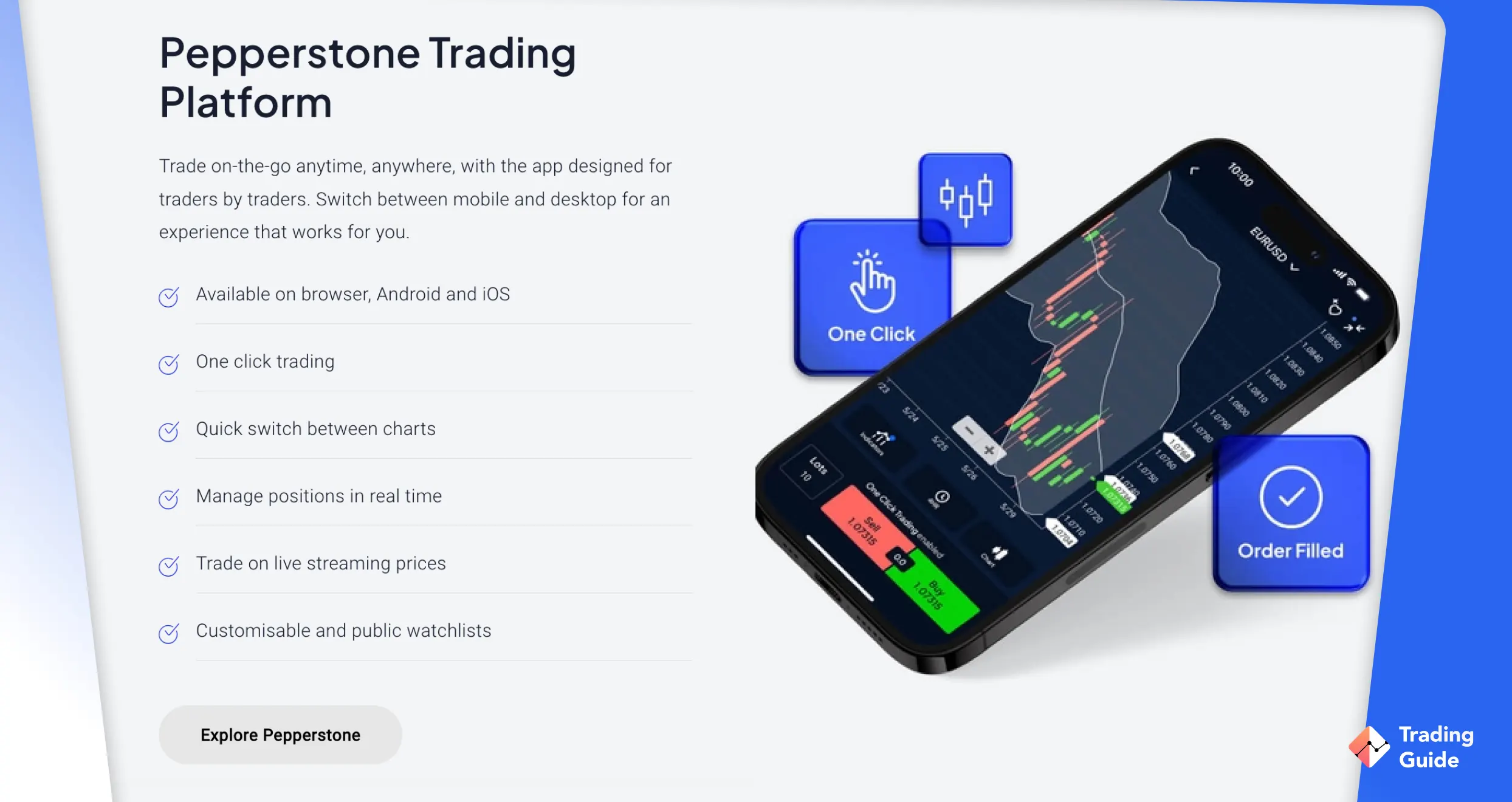
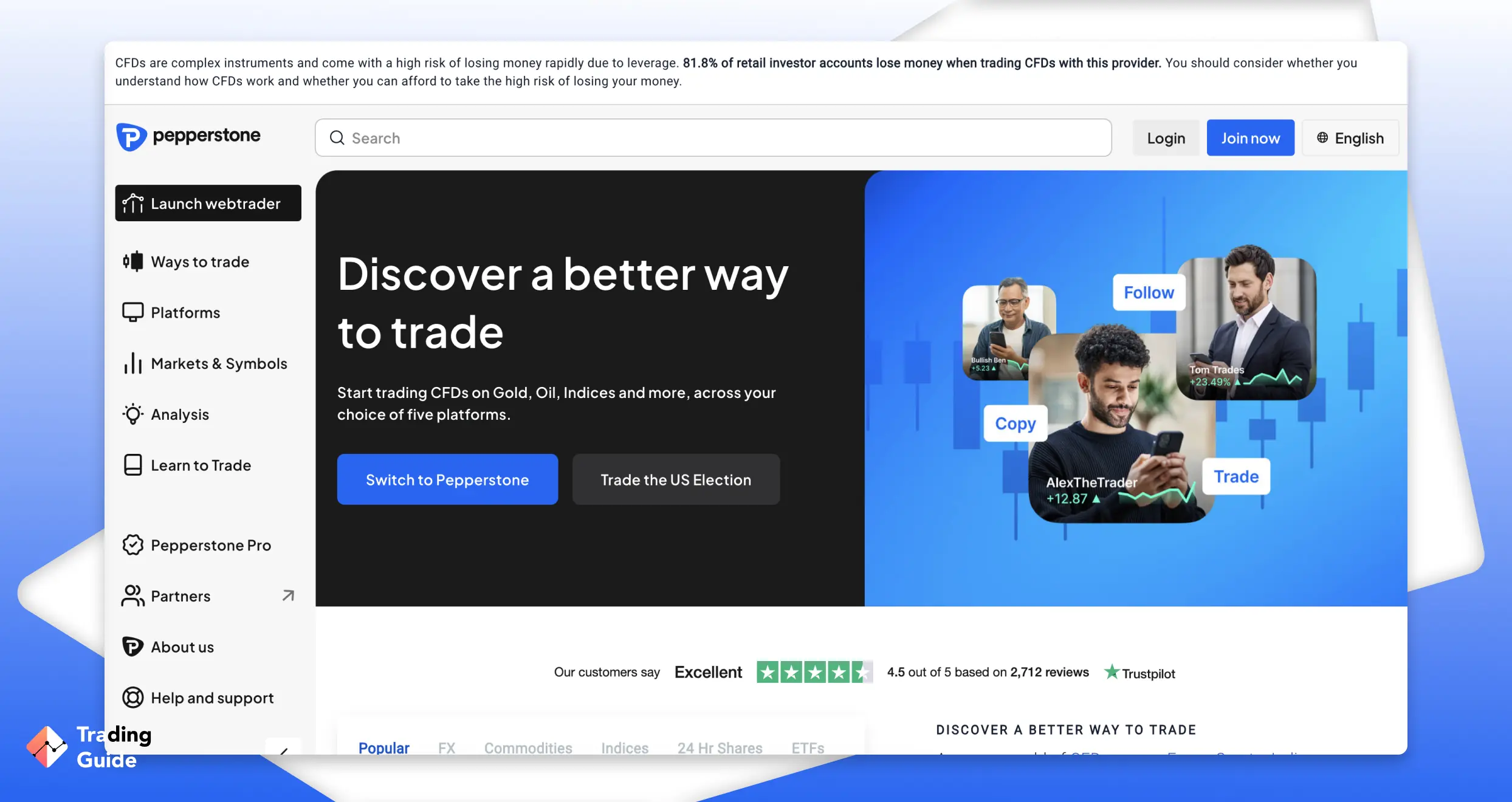
I deposited £250 at Pepperstone and ran a thorough TradingView test, together with other supported features. The connection links your MT4 or MT5 account to TradingView.
One important caveat from my testing that matches what other Trustpilot reviewers have found is that the TradingView integration does not currently work with Pepperstone’s cTrader account. If cTrader is your primary platform, you will need to open an MT4 or MT5 account specifically for TradingView use.
On the Razor account, spreads from 0.0 pips were consistent during the London and New York sessions. My withdrawal of £100 via bank transfer was processed the same day without any additional verification requests. Support response during testing averaged under five minutes on live chat, which matched the broker’s own claims.
1
Pepperstone Review
TradingGuides Rating:
✔ Top tier liquidity ✔ No dealing desk intervention
Seamless TradingView integration with MT4 and MT5 accounts
Spread betting is available tax-free directly through TradingView charts
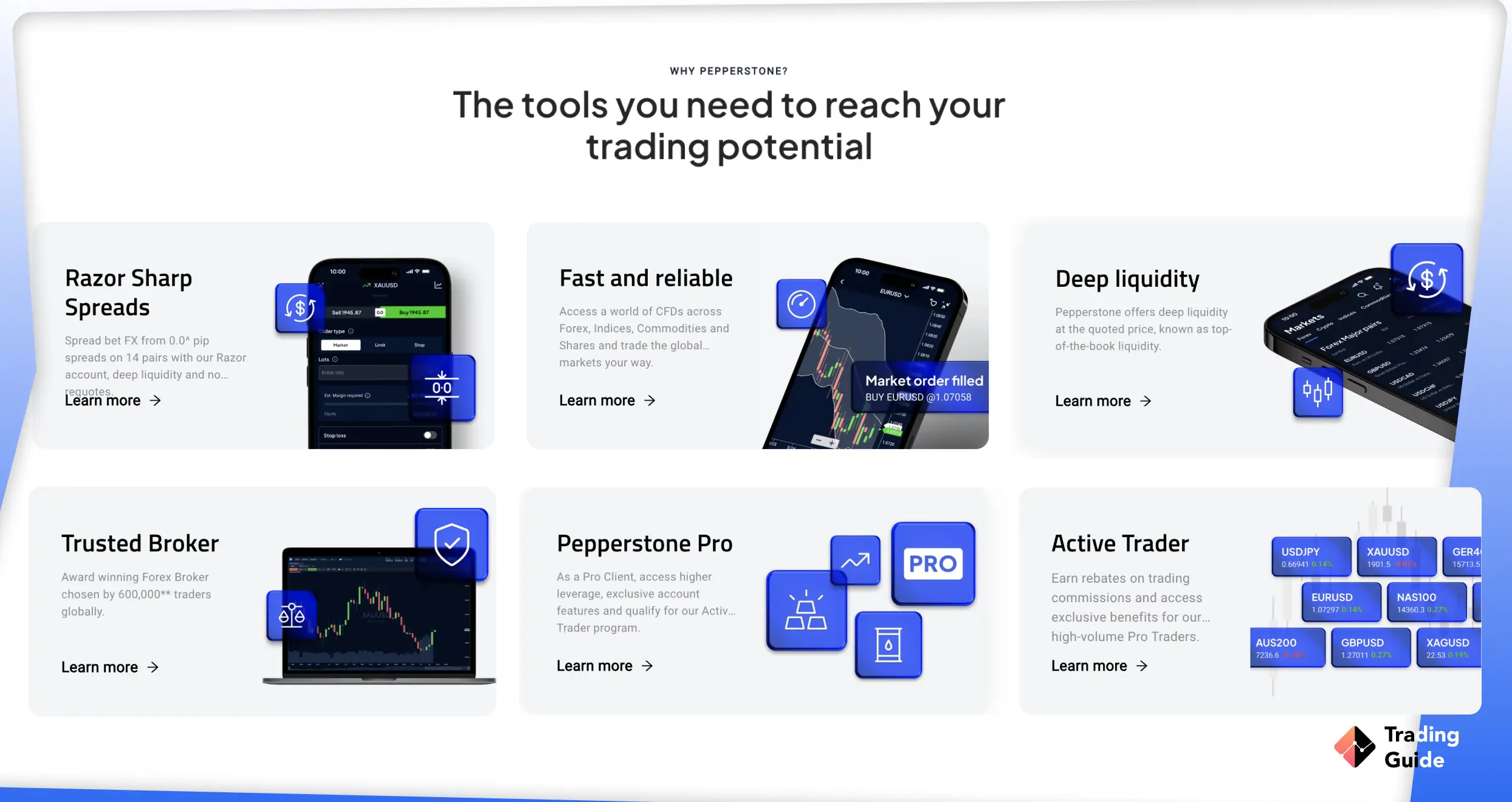
Razor account spreads from 0.0 pips with fast execution
No minimum deposit requirement and no inactivity fee
Cons
TradingView does not connect with Pepperstone's cTrader account
No buying and taking ownership of listed assets
Type
Fee
Minimum Deposit
£10
Withdrawal fee
£0
Deposit fee
£0
Inactivity fee
No
Account fee
No
1,350+ instruments across FX, indices, cryptocurrencies*, equities, energy and commodities, and more, across three, free powerful platforms.
*Only Pro clients get access to cryptos (CFDs).
2. Capital.com - Leading Commission-Free Broker
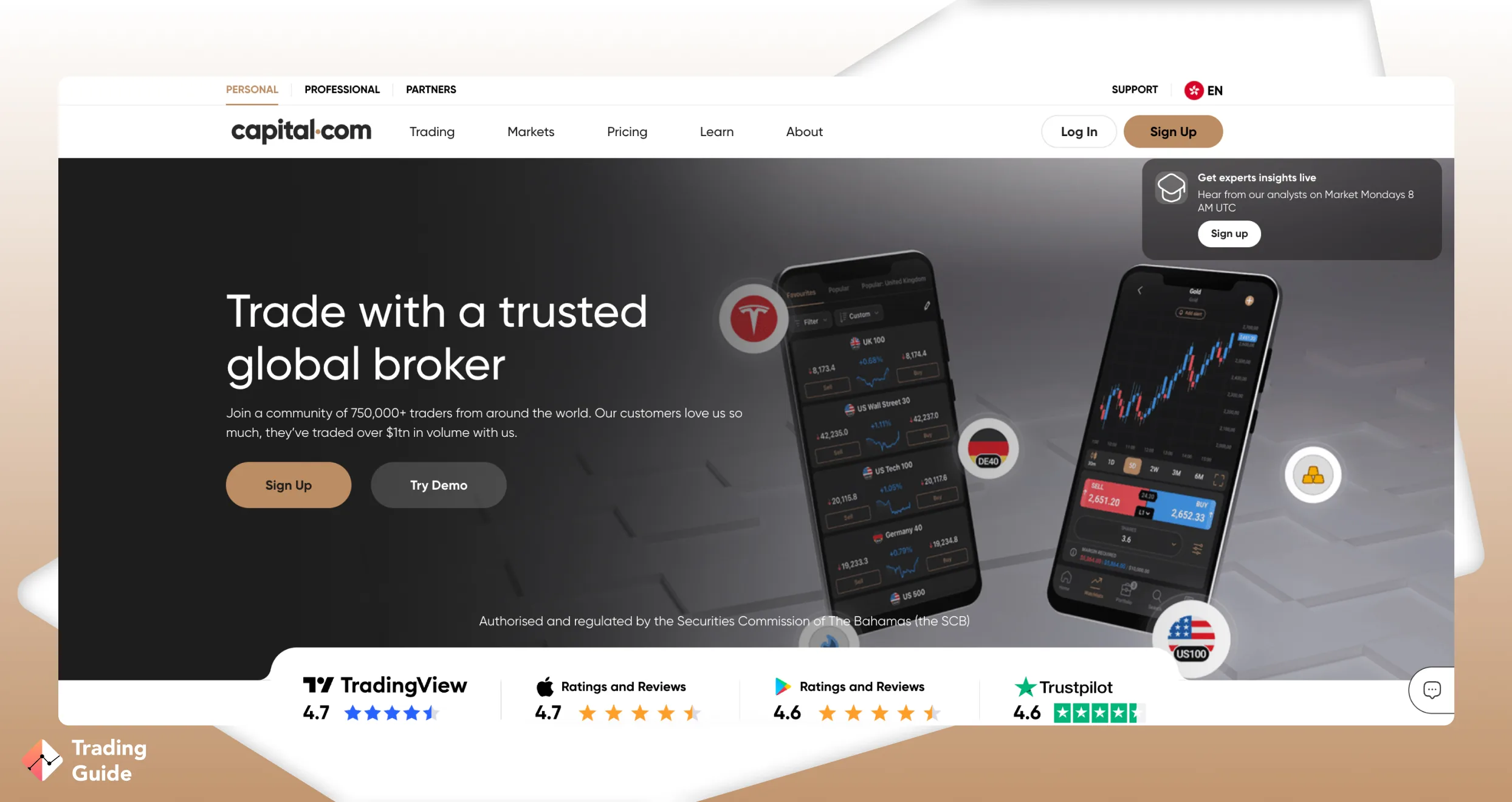
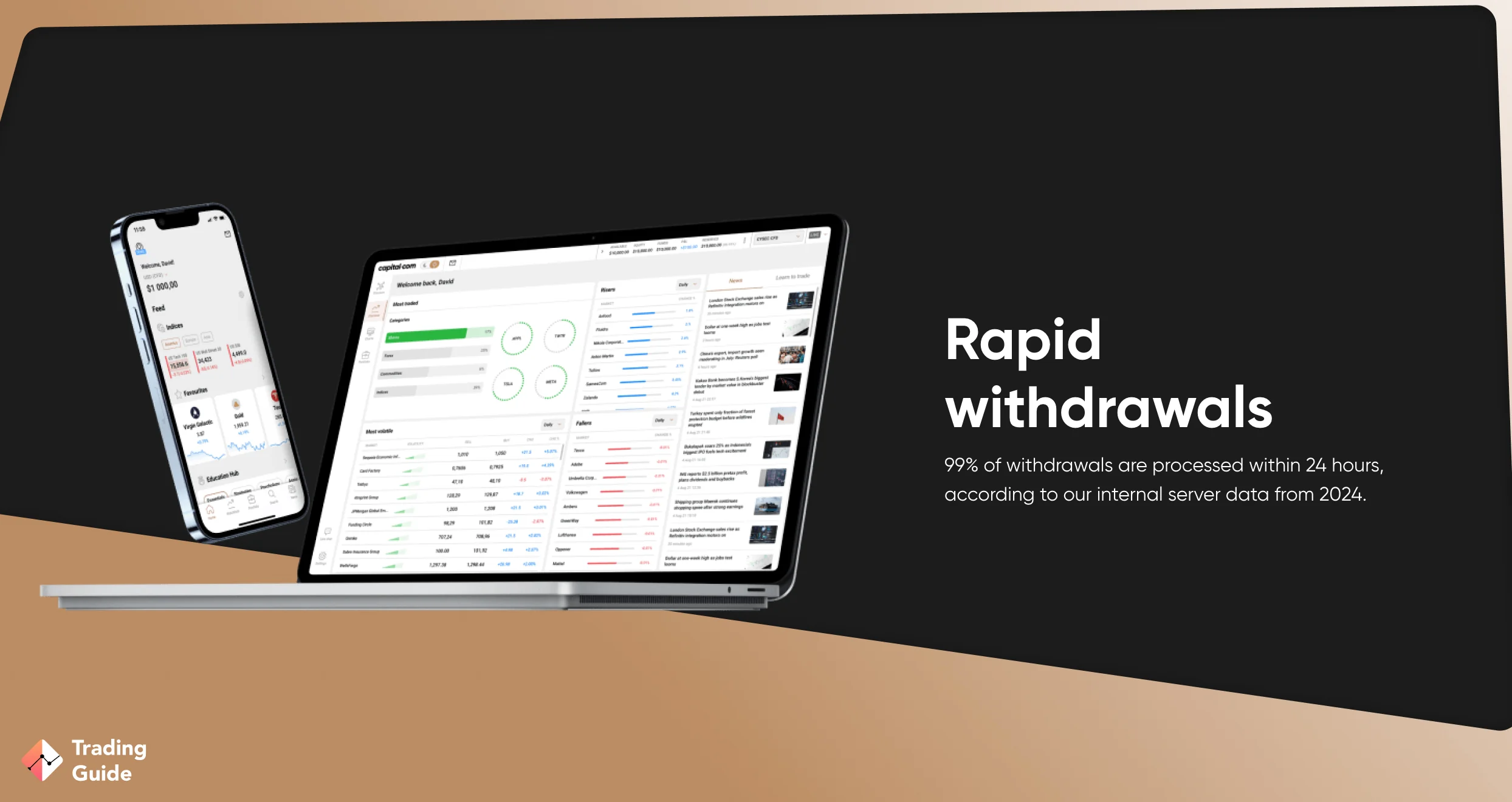
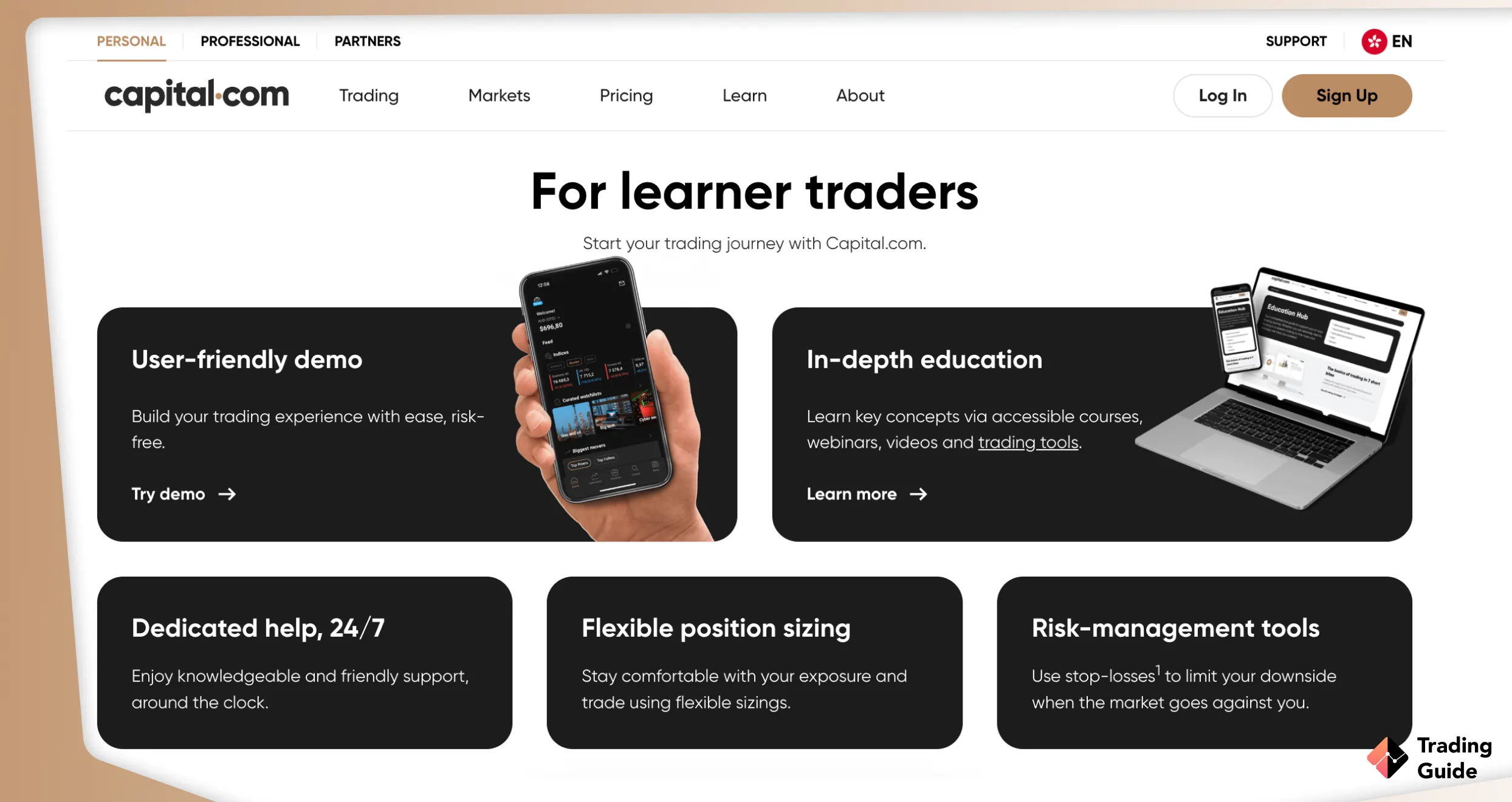
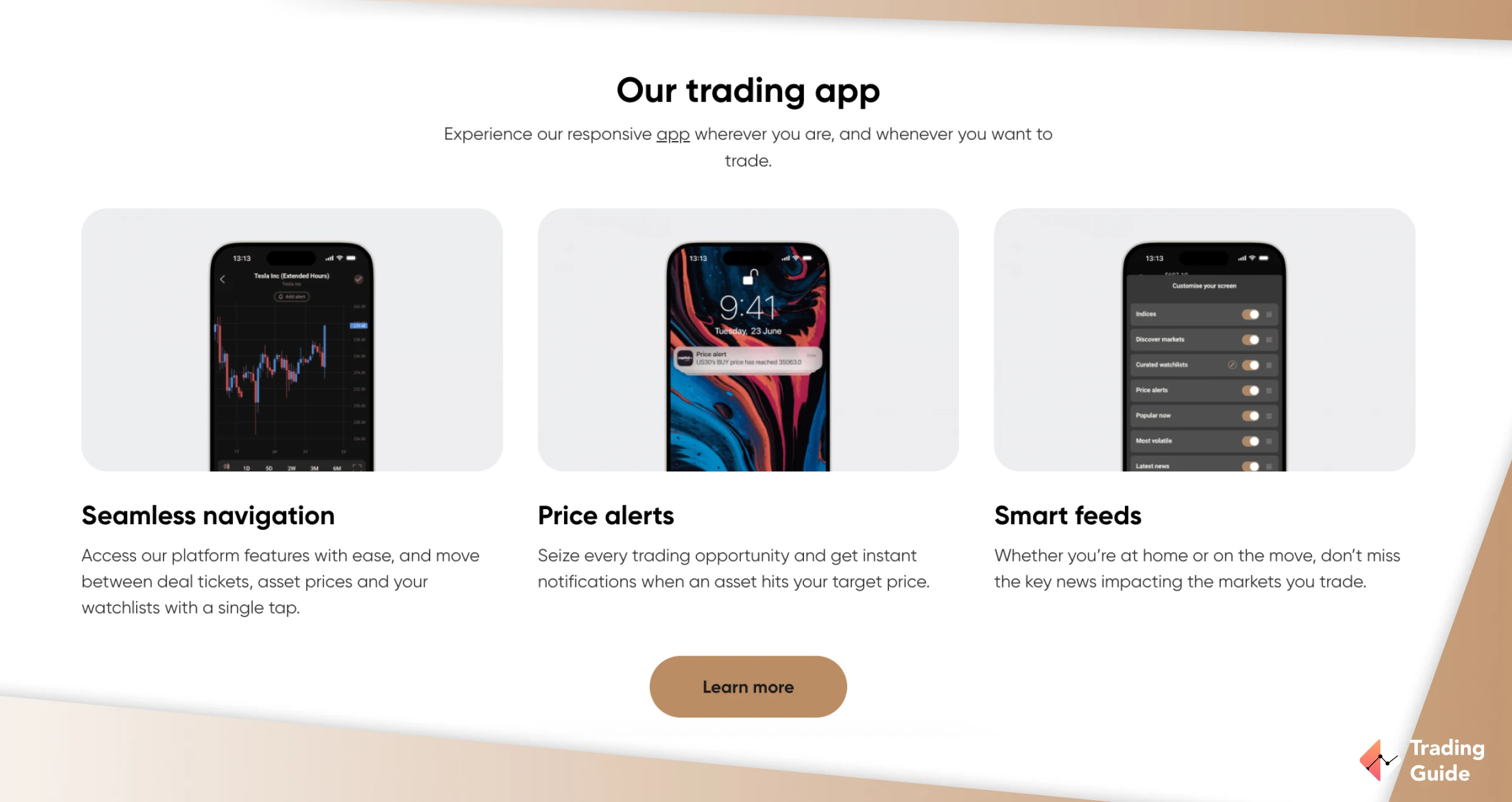
I deposited £180 into Capital.com specifically to test how its zero-commission model holds up when trading via TradingView. Connecting is straightforward. You log into TradingView, select Capital.com from the broker panel, authenticate, and you are live.
Overall, over 5,000 assets are listed for CFD trading and spread betting. And if you do not want to trade on leverage, the broker offers a 1X account with 2,700+ shares and indices.
Spreads on EUR/USD start from 0.6 pips with no commission added on top. This genuinely makes the all-in cost competitive for most traders. On TradingView’s own broker review page, some users reported being logged out of the Capital.com integration during live trades. I encountered this once across several weeks of testing, which was frustrating mid-session.
For withdrawals, I processed two during testing. The first, £80 via card, cleared the same day. The second, £100 via bank transfer, took two business days with no issues.
Zero-commission structure with spreads from 0.6 pips
120+ currency pairs alongside shares, indices, commodities, and ETFs
Quality learning resources and a beginner-friendly platform
Low £20 minimum deposit
Cons
No physical purchasing of the listed securities
No MT5 for UK clients
Type
Fee
Minimum deposit
Free
Overnight fee
Yes
Deposit fee
Free
Withdrawal fee
Free
Inactivity fee
Free
Currently, there are 60+ forex pairs on offer, 25+ commodity CFDs and 1000 index and stock CFDs.
3. FxPro - Top Option For Mobile Trading
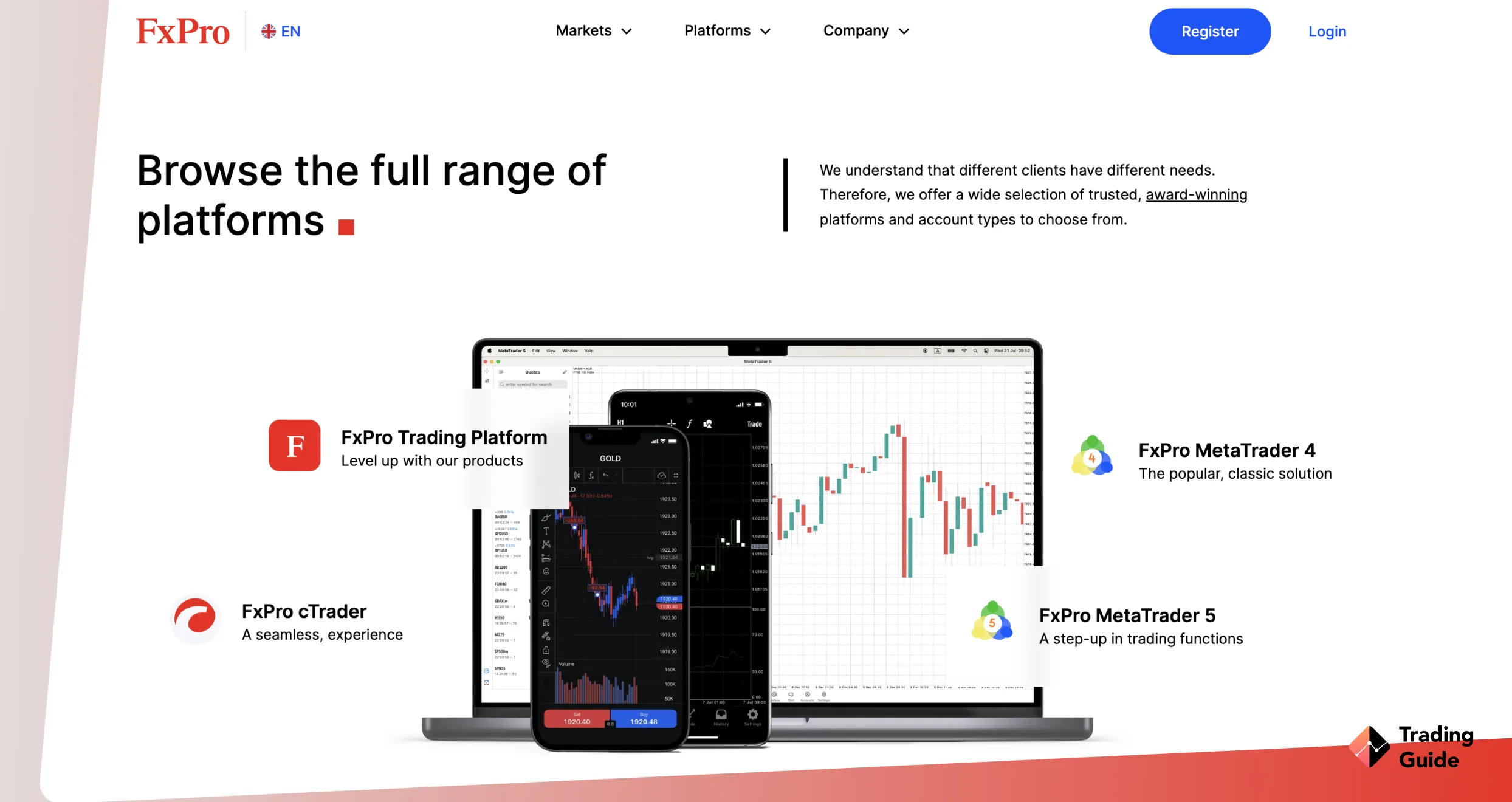
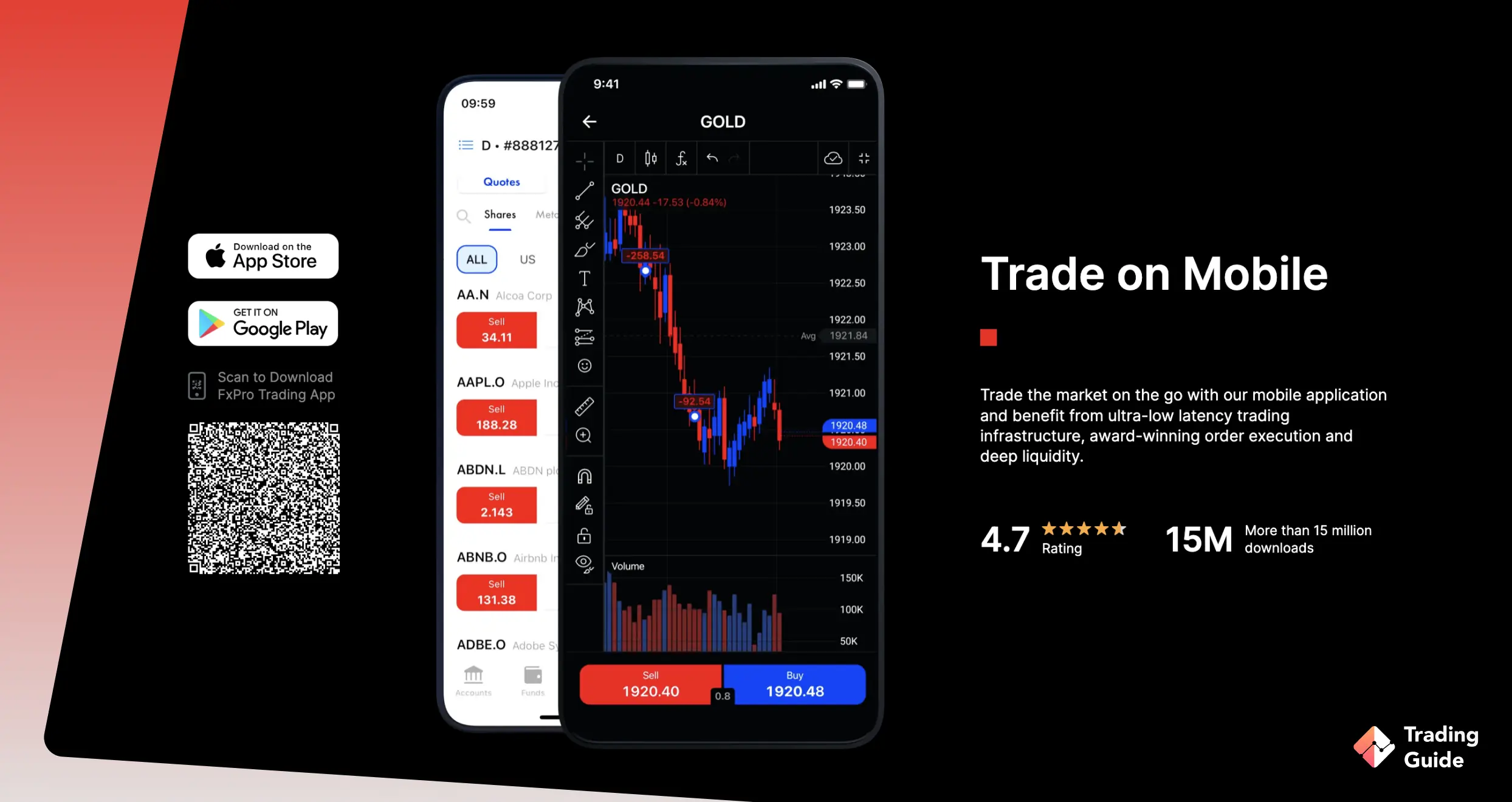
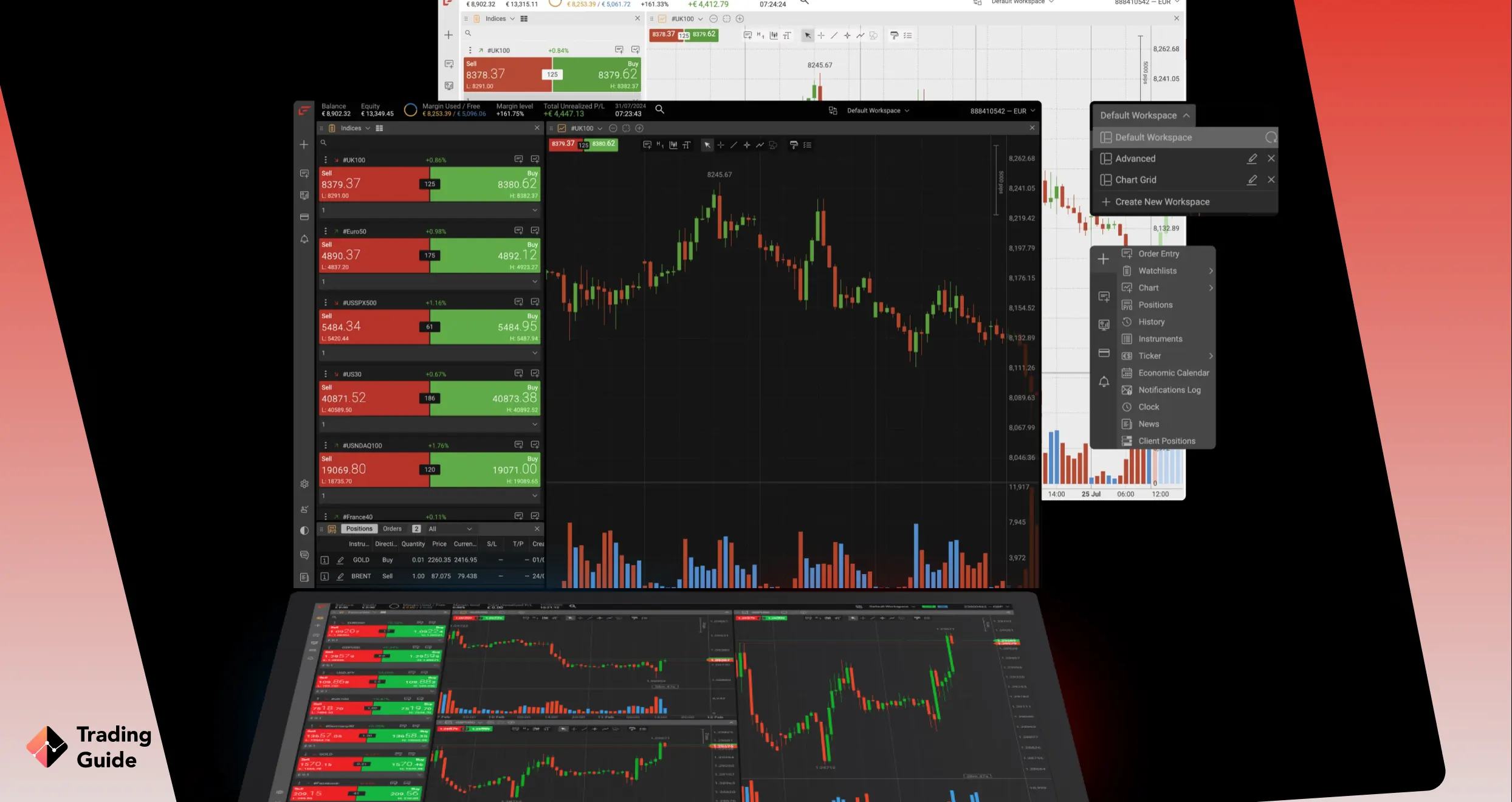
FxPro launched its full TradingView integration in November 2025 following a beta phase, and I deposited £320 to test it. The connection links your FxPro cTrader account to TradingView, giving you 400+ built-in indicators, 100,000+ community indicators, 110+ drawing tools, and 82 timeframes for analysis. From a mobile perspective, the TradingView app paired with an FxPro cTrader account is one of the tidier setups I tested.
Charts were responsive on iOS, order placement worked cleanly from the chart interface, and positions synced in real time. Spreads start from 0.0 pips on the cTrader and Raw+ accounts. Over 2,100 CFD instruments are available, which you can trade with a minimum deposit of £100. The inactivity fee of £15 once and £5 monthly kicks in after 6 months of no trading activity.
Many users praise FxPro’s platform quality and execution speed. The most common complaints relate to delayed or blocked withdrawals and customer support responsiveness during disputes. I noted on TradingView’s own review page that a previous disconnection issue with the FxPro integration was flagged by users, and FxPro’s response confirmed it had since been resolved.
Low minimum deposit requirement of £100 for UK clients
Quality learning and research materials
Clean mobile experience via TradingView app and cTrader account
Lists 2,100+ CFD instruments with spreads from 0.0 pips
Cons
TradingView integration works via cTrader account only, not MT4 or MT5
Inactivity fee Kicks in after 6 months
Type
Fee
Minimum deposit
$100
Overnight fee
$0
Deposit fee
$0
Withdrawal fee
Depends on payment method
Inactivity fee
$0
There are plenty of trading options to choose from on FP Markets. These include 70+ currency pairs, more than 10,000 stocks on global exchanges, 5 cryptocurrency CFDs, 290 ETFs, 19 major global indices, and commodities. The commodities available include gold, silver, oil and more.
4. Spreadex – One of the Cheapest Options
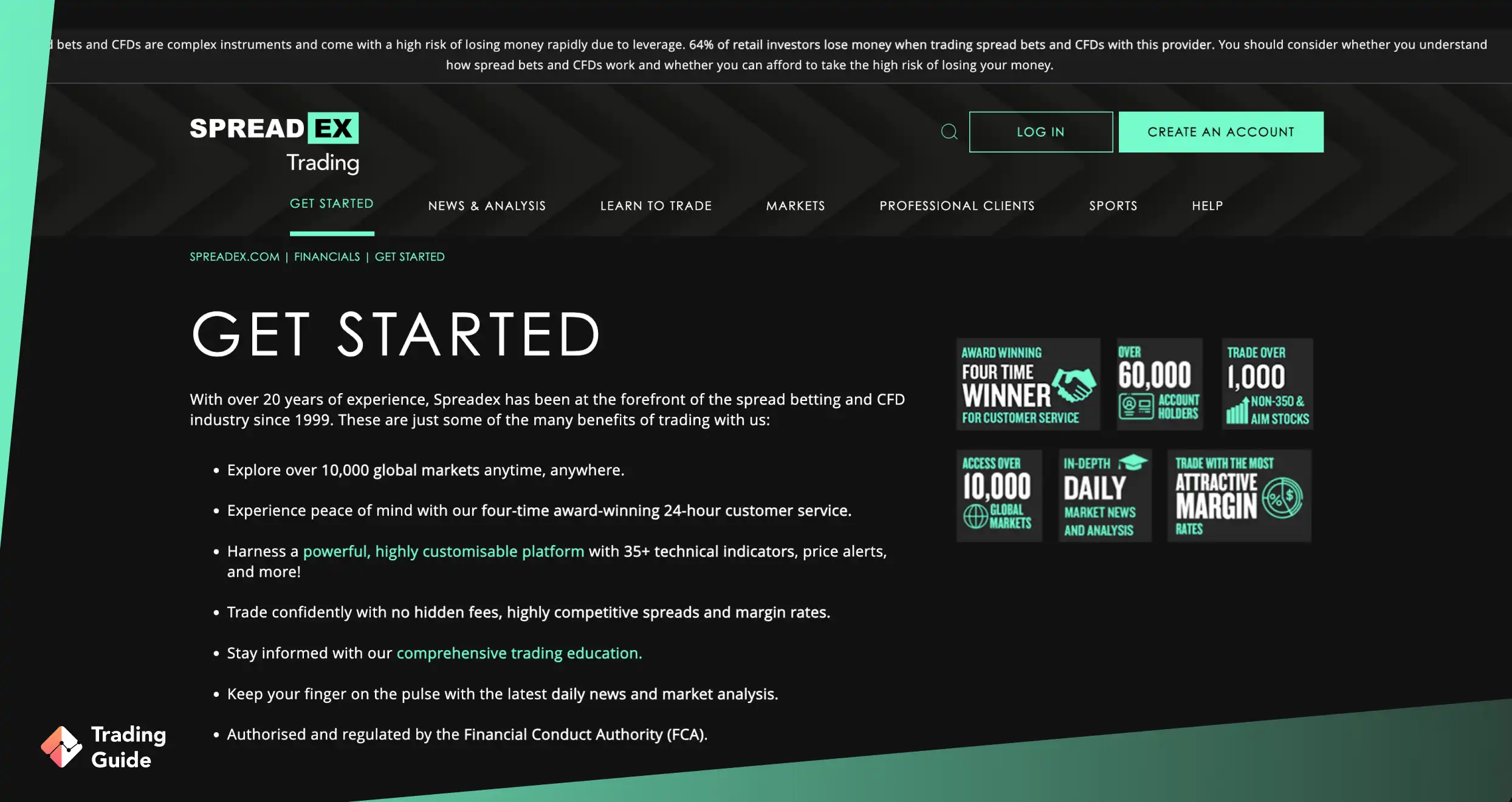
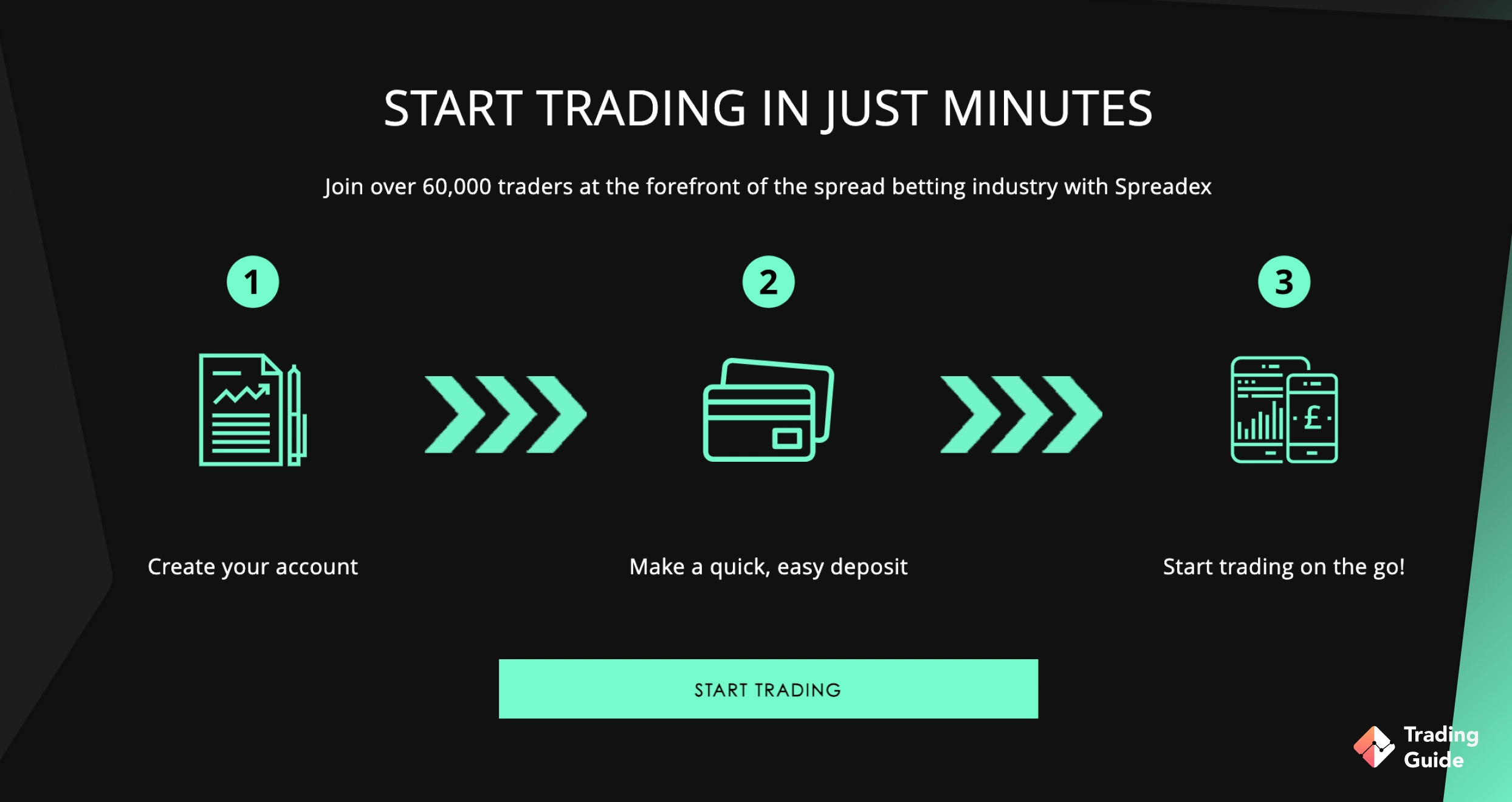
Spreadex is another TradingView broker listing over 10,000 CFD and spread betting instruments for trading, where I put £250. These include indices, shares, forex, commodities, and more. The broker’s commitment to accessibility is commendable, with no minimum deposit requirement and no transaction fees. With spreads starting from just 0.6 pips, it’s an excellent choice for both newbies and budget-conscious traders looking to explore the financial market without financial constraints.
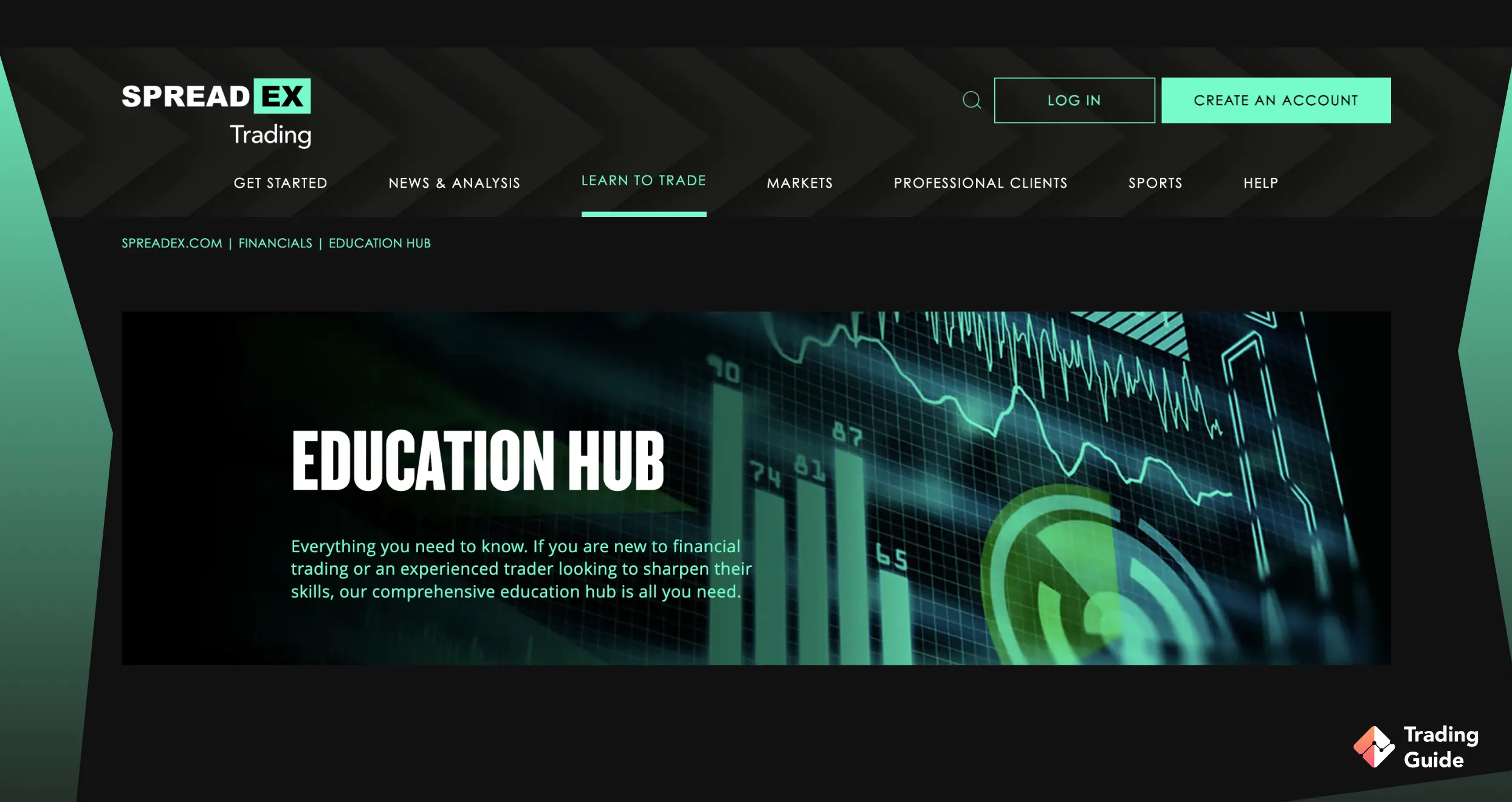
I noticed that Spreadex’s TradingView platform is user-friendly, thus catering to traders of all levels. I had the opportunity to test Spreadex’s support service and was impressed by its responsiveness and the quality of solutions provided. Despite not operating round the clock, the support team is accessible through various channels. This, together with its quality learning resources and free social trading features on TradingView, guarantees an exciting experience.
Limited market analysis tools compared to some of its leading competitors
Type
Fee
Minimum deposit
Free
Overnight fee
Yes
Deposit fee
Free
Withdrawal fee
Free
Inactivity fee
Free
Currently, there are 60+ forex pairs on offer, 25+ commodity CFDs and 1000 index and stock CFDs.
5. IG Markets - Best for Long-Term Investors
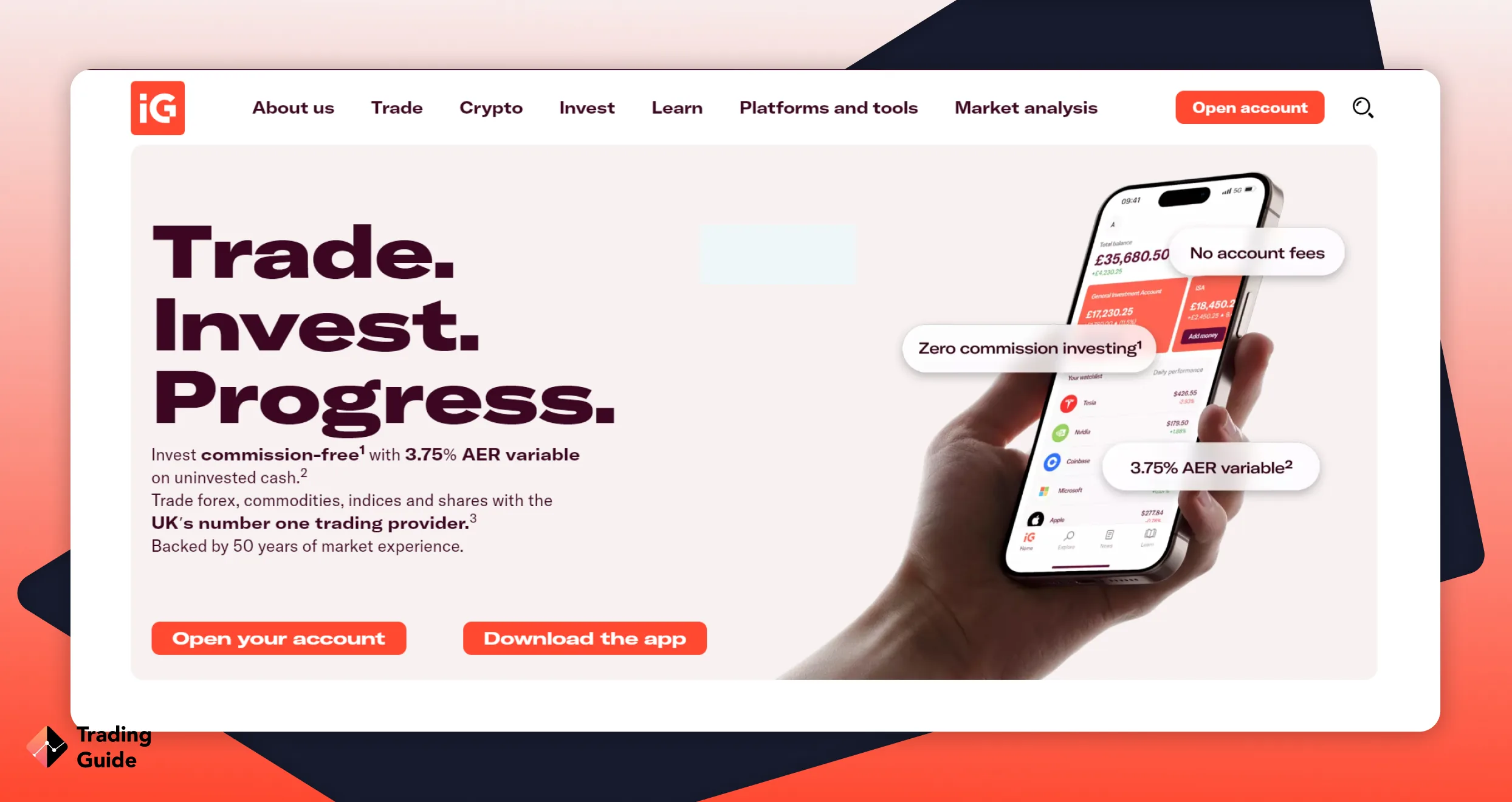
I topped up my existing IG account with £300 and focused on testing the TradingView integration alongside the broader long-term investing functionality. IG’s TradingView charting is smooth and responsive. You get 400+ pre-built indicators and 110+ drawing tools to refine your trading strategy. I like that IG’s execution is reliable, and position syncing was accurate throughout my testing.
Where IG separates itself from every other broker on this list is the investing side. The Stocks and Shares ISA, Share Dealing account, and SIPP access mean traders who use TradingView for analysis can also manage a long-term portfolio through the same account. Over 17,000 instruments are available across CFD, spread betting, and real investing formats.
On Trustpilot, IG’s platform quality and tools earn consistent praise. However, customer support’s slow email response times attract repeated criticism. I confirmed this during testing. My query took over eight hours for a response, while live chat connected quickly. Traders who rely primarily on live chat or phone will find support more satisfactory than those who prefer email.
1
IG Markets Review
TradingGuides Rating:
✔ Extensive range of offerings ✔ Leading broker with low fees
TradingView integration with smooth, reliable execution
ISA, SIPP, and Share Dealing alongside CFD and spread betting
17,000+ instruments across all account types
No minimum deposit requirement
Cons
Can be complex for complete newbies to navigate
Email support can be slow
Type
Fee
Minimum deposit
£100
Withdrawal fee
£0
Inactivity fee
£15 once + £5 monthly
FxPro offers traders a wide range of investment products, including 70 currency pairs, as well as over 2000 different stocks.
6. CMC Markets - Best for TradingView Integration
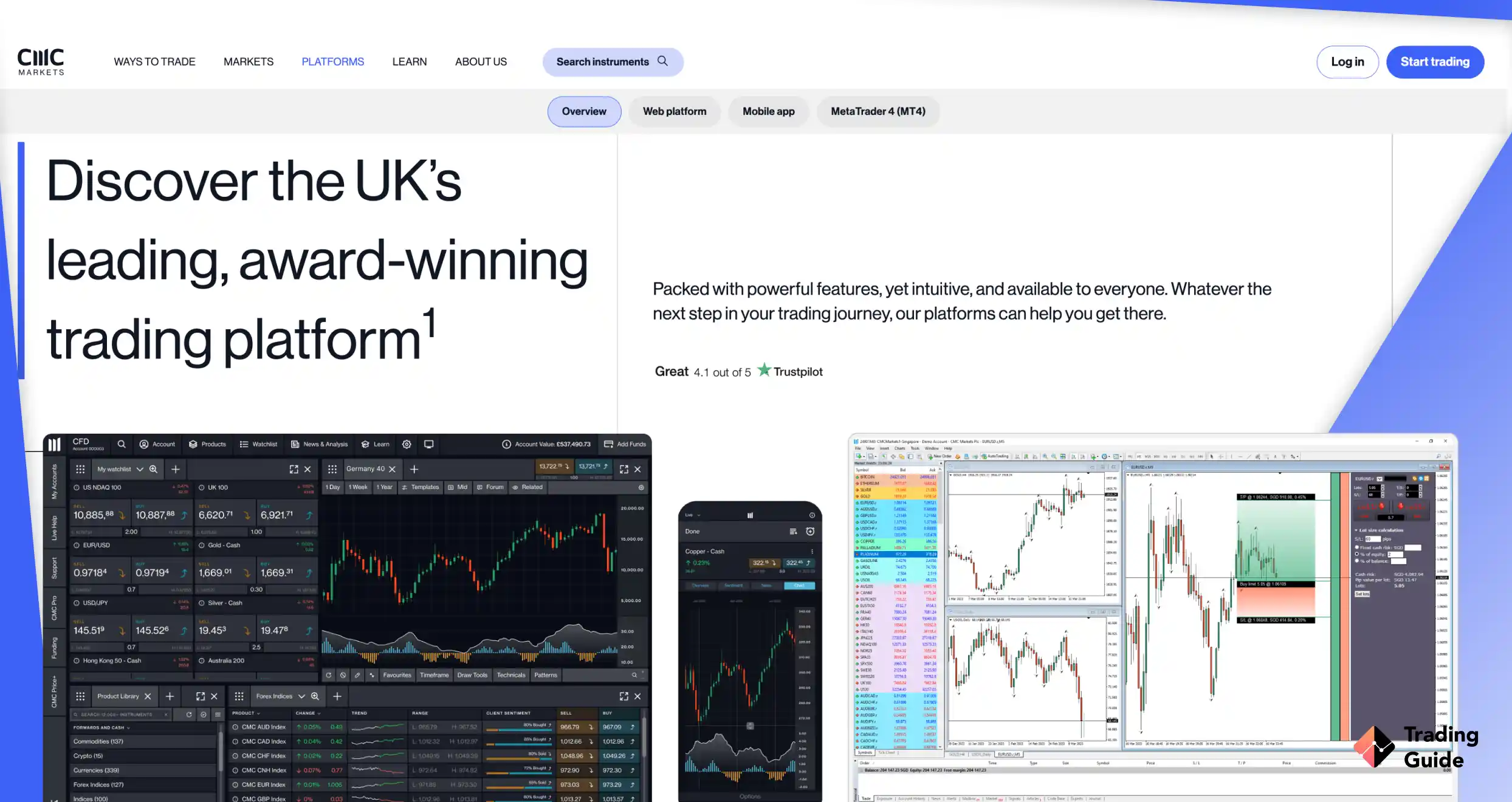
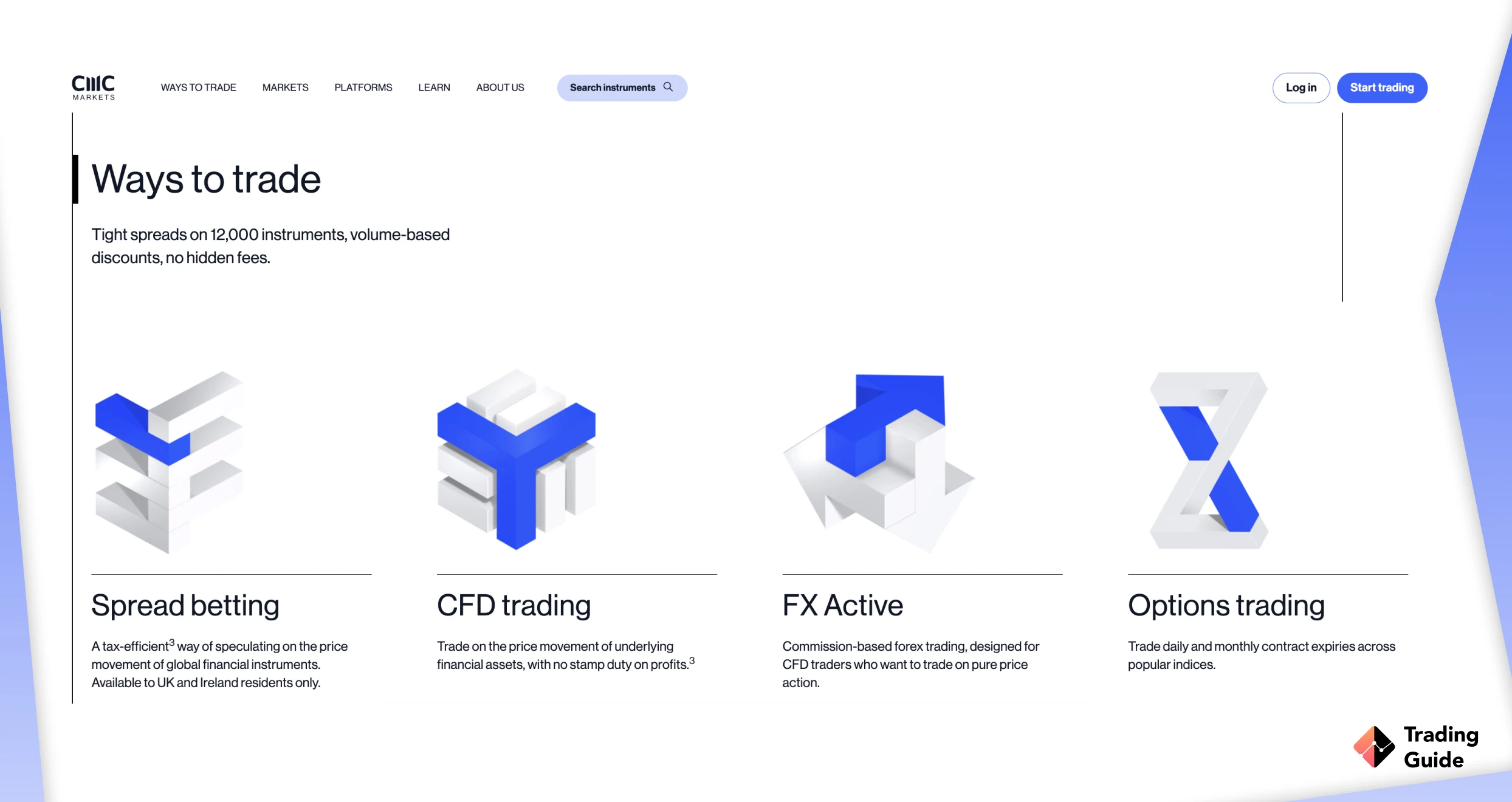
CMC Markets is a UK-based broker that integrates directly with TradingView, allowing UK traders to use TradingView’s advanced charts, indicators and drawing tools while opening, managing and closing trades through their CMC Markets account. The good news is there is no minimum deposit required to open a live account, although you need sufficient funds to cover the margin for any trades you place. CMC Markets offers access to around 21,000 instruments, including forex, indices, commodities, shares, ETFs, bonds and other markets. The TradingView integration is available with CMC’s CFD and FX Active accounts.
1
CMC Markets Review 2026
TradingGuides Rating:
✔ Top tier forex and CFD broker ✔ Great selection of assets
Direct TradingView integration with trade execution
Around 21,000 instruments available
FCA-regulated for UK traders
Cons
TradingView integration is currently limited to CFD and FX Active accounts
Some share market data may require an additional subscription
Overnight holding costs can apply to leveraged positions
Type
Fee
Minimum Deposit
£0
Inactivity fee
£10 monthly
Withdrawal fee
£0
Deposit fee
£0
Stocks– pick and choose between 10,000 different international company stocks listed on exchanges in North America, Europe, and Asia. Use leverage to increase your exposure and analyze the assets with an award-winning stock trading platform.
Indices– there are close to 100 indices available, from the FTSE 100, US 30, and Germany 40 to smaller more unknown versions. CMC also has some of the tightest spread on indices in the industry.
Forex– foreign exchange was the first thing that CMC ever offered and it remains one of their most popular services to this day. With 330 currency pairs, you can rest assured that you can trade any major, minor, or exotic forex pair that you could ever wish for.
Commodities – take positions on more than 100 cash and futures and profit from precious metals, energies, or even foods. Gold is always a popular option and so is Brent oil, natural gas, corn, copper and platinum.
ETFs– more than 1,000 ETFs await you on the CMC Markets trading platform. With super-fast execution and a 99.8% fill rate, you’re able to take your trading to the next level on one of the most versatile financial markets around.
Treasuries – for a more unique trading experience, you can take positions on 50 instruments based on government bonds and interest rates, both in Europe and North America.
Share Baskets – these instruments are exclusive to CMC Markets and provide an opportunity to profit from the next major trend. Trade baskets based on tech stocks, U.S. banks, or even streaming services, and lower the overall risk through diversification.
Brief Overview of the Best TradingView Brokers' Fees & Assets
Fees and available assets vary more than most traders expect across TradingView brokers. The tables below give you a quick side-by-side view so you can match the right broker to your trading costs and instrument needs before opening an account.
Verify the type of integration: There is a difference between a broker that embeds TradingView charts on their platform and one where you can log into TradingView directly and trade from there. Ask specifically whether you can place and manage orders from TradingView’s own interface. All TradingView brokers in this guide support this.
Check which account type connects: Some brokers only link specific account tiers to TradingView. For instance, Tickmill requires the Raw account. Pepperstone’s TradingView connection works with MT4 and MT5 but not cTrader. FxPro’s integration runs through the cTrader account only. Knowing this before you open an account avoids opening the wrong one.
Consider your instrument needs: TradingView integrations vary in how many instruments are tradable directly through the interface. If you need a specific exotic pair or share CFD, confirm it appears under the broker’s TradingView prefix before depositing.
Match the cost structure to how you trade: Zero-commission brokers like Capital.com work well for lower-frequency trading. Raw accounts with commissions at Tickmill or Pepperstone become cheaper per trade at higher volumes. Run the maths against your typical lot size and frequency to fit your budget.
Look at a UK broker’s broader platform ecosystem: TradingView should be your charting and execution environment, but your broker will still handle your funds, withdrawals, and support. Their regulation, withdrawal speed, and customer service matter as much as the chart connection itself.
Customer support: A clean TradingView integration can still go wrong. When it does, you need a broker whose support team picks up quickly and actually resolves the issue. Check whether phone and live chat are available, not just email. Response times vary significantly across brokers, and finding out your only option is a 24-hour email queue mid-trade is not ideal.
User recommendations: Before opening an account, spend ten minutes reading recent reviews on Trustpilot and TradingView’s own broker review pages. Look specifically for comments about the TradingView integration rather than the broker generally. Recurring mentions of disconnections, missing instruments, or position syncing issues are worth taking seriously. Positive patterns around execution and support responsiveness carry equal weight.
What TradingView Subscription Do You Need to Start?
TradingView has five plan tiers to choose from. They include Free or Basic, Essential, Plus, Premium, and Ultimate. UK traders and investors don’t need paid subscriptions to connect brokers and execute/manage trades. The free plan allows this, as it unlocks additional charts per tab, more indicators, more alert capacity, deeper historical data, and extra features like volume footprint charts.
Free (Basic): It features one chart per tab, two indicators per chart, and five active alerts. In my opinion, these are enough to place trades and run basic analysis. For individuals looking for multi-timeframe or multi-instrument views, the free plan can be limited.
Essential (approx. £13/month on annual billing): Two charts per tab, five indicators, 20 alerts. The first meaningful step up for traders who want to compare a higher and lower timeframe simultaneously.
Plus (approx. £30/month on annual billing): Four charts per tab, 10 indicators, 100 alerts. Good for traders who run parallel setups across multiple instruments.
Premium (approx. £60/month on annual billing): Eight charts per tab, 25 indicators, 400 alerts, 20,000 bars of historical data, and volume footprint charts. The level most active traders eventually settle on. Annual billing reduces the cost significantly compared to monthly.
Ultimate (approx. £200/month on annual billing): For professional workflows with 10 charts per tab, 50 indicators, 800 alerts, and unlimited bar history. Worth considering only if Premium’s limits genuinely constrain your analysis.
TradingView regularly discounts annual plans significantly, particularly around Black Friday. The effective cost of Premium on sale can drop below the standard Essential monthly price, so timing an annual subscription is worth doing. The good news is that most paid tiers come with a 30-day free trial.
Pros & Cons of Trading with TradingView Platform
Pros
Charting quality: Many retail traders and investors consider TradingView’s charting tools the best available. The combination of 400+ indicators, 110+ drawing tools, 82 timeframes, and a clean interface sets a standard that broker-native platforms rarely match.
Community and shared ideas: Over 100 million traders publish analysis, share scripts, and discuss setups on TradingView. If you are looking to test your own analysis against others, this platform is a genuine resource.
Multi-broker capability: TradingView allows users to connect more than one broker to a single TradingView account. You can also switch execution between them. So, if you manage different instruments across multiple brokers, TradingView is a suitable choice.
Pine Script: TradingView’s scripting language allows UK traders/investors to build custom indicators, strategies, and automated alerts without needing deep programming knowledge. A large library of free community scripts already exists if you prefer not to build from scratch.
Alerts and notifications: Regardless of the plan you choose, TradingView allows you to set price-level alerts that are delivered to your phone. It gets even more interesting with paid plans. You can create complex condition-based alerts that trigger on indicator crossovers or pattern detections.
Cons
Not a full trading terminal: TradingView doesn’t replace a broker’s full platform for fund transfers, account management, or detailed trade history. You will still need to log into your broker’s platform for anything outside of execution.
Subscription cost for serious use: The free plan hits its limits quickly for active traders. Running multi-chart layouts with multiple indicators requires at least the Essential tier, and serious traders will likely need Plus or Premium.
Broker integration gaps: Not every instrument available on your broker is tradable through TradingView. Some instruments fall outside the integration scope, meaning you occasionally have to fall back to the broker’s own platform.
No automated execution: TradingView’s Pine Script can send alerts, but it does not execute trades automatically through broker integrations the way an Expert Advisor on MT4/MT5 can. Automated execution requires additional tools or infrastructure.
FAQs
Do I need a TradingView account to trade through these brokers?
Yes. Direct execution from TradingView charts requires a TradingView account. The free plan is sufficient to connect a broker and place trades. Paid plans unlock more indicators, charts, and alerts, but the broker connection itself works on all tiers.
Can I use TradingView for spread betting in the UK?
Yes. Most brokers referenced here support spread betting directly through TradingView. Spread betting profits in the UK are currently exempt from Capital Gains Tax, and you can place and manage spread bets from TradingView charts with these brokers without switching to a separate platform.
Which TradingView broker has the lowest spreads for forex?
Tickmill and Pepperstone both offer EUR/USD spreads from 0.0 pips on their raw account types when trading through TradingView. Both charge a commission per lot. Capital.com offers 0.6 pips with no commission, which works out cheaper at lower trading volumes.
Is TradingView itself regulated?
No. TradingView is a charting and social platform, not a broker. It is not regulated as a financial services firm. Regulation applies to the broker you connect to TradingView, not to TradingView itself. This is why choosing an FCA-regulated broker for execution matters, regardless of which charting platform you use.
Can I run Expert Advisors through TradingView?
Not directly. TradingView’s Pine Script can generate alerts and signal conditions, but it does not automatically execute trades through broker integrations. Automated trade execution via Expert Advisors requires MT4 or MT5. Traders who want both TradingView charting and automated execution typically use TradingView for analysis and EAs on MT4/MT5 for execution.
Conclusion
TradingView gives you the charts, but a broker gives you the execution. Getting both right is what separates a frustrating setup from one that actually works. The best TradingView brokers UK in this guide are FCA-regulated, support genuine TradingView integration, and price their products fairly. Your choice within that list comes down to how you trade.
For instance, high-volume forex traders will lean toward raw spread accounts. Long-term investors need IG’s depth. Beginners will find Capital.com the easiest entry point. Overall, start on the free TradingView plan, connect your broker, and scale your subscription only when the platform’s limits start getting in your way.
How we test?
Our evaluation and testing process is thorough and exhaustive. First, we conduct extensive research. Our experts visit each broker’s official site and assess every offering. Then, we go to credible review sites like Trustpilot, Google Play, and the App Store and read user testimonials and feedback. After research, our experts proceed to the next step: testing.
The testing phase is critical in determining if brokers deliver as promised. We used demo and live accounts to vet available trading platforms, tools, and other resources. While doing so, our experts strive to identify the most pronounced strengths and weaknesses.
Why do we do all that? It’s simple. You are a valued member of the TradingGuide family, and we are committed to doing everything in our power to ensure you have access to the best brokers. Find out more about our test process here.
Adam Jarfjord
is our leading content maker and head of the content department. For Adam, trading is not only a job but also a passion for more than 5 years. He has many years of experience in the financial sector and honestly admits that he is in love with his job.
Claire Maumo is a personal finance expert and seasoned trader specialising in contemporary assets, forex, and cryptocurrency markets. A writer for TradingGuide, Claire combines expert analysis with practical advice to help readers achieve financial success. She is a private trading coach with a B.A. in Business Management, a Master’s in Finance, and a trusted industry voice. Follow her here at TradingGuide and learn how to build your wealth.
{etoroCFDrisk}% of retail investor accounts lose money.
Advertising Disclosure
We may receive compensation from our partners for placement of their products or services, which helps to maintain our site. We may also receive compensation if you click on certain links posted on our site. While compensation arrangements may affect the order, position or placement of product information, it doesn’t influence our assessment of those products.