







AI trading apps give traders a real edge by automating decisions, cutting out emotional bias, and executing strategies at speed. These apps work by analysing market data, identifying patterns, and using algorithms to make trading decisions in real time.
With the right app, you can set up bots, follow trading signals, and implement strategies more efficiently than manual trading allows. In this guide, I’ll cover five top-rated AI trading apps, all regulated by respected authorities like the FCA, ASIC, and CySEC. To eliminate bias, my picks are based on both direct testing and authentic app store reviews.
List of the Best AI Trading Apps
Here are my carefully selected top apps for AI trading today.
- eToro – Best for Copy Trading
- FxPro – Best Choice for CFD Traders
- IG – Best for Stock Investing
- Spreadex – Top Option for Spread Betting
- Capital.com – Top Broker To Trade Leverage Free
- Pepperstone – Best Overall
Apps Reviews
I compared the leading AI trading apps in the UK and selected 5 that consistently deliver strong results. In the mini-reviews that follow, you’ll see what makes each app worth considering—along with the limitations you need to know before using them.
Take your time as you go through each review. Focus on the features that matter most to you, whether that’s automation, pricing, or ease of use, and choose the app that best matches your trading style.
1. eToro – Best for Copy Trading

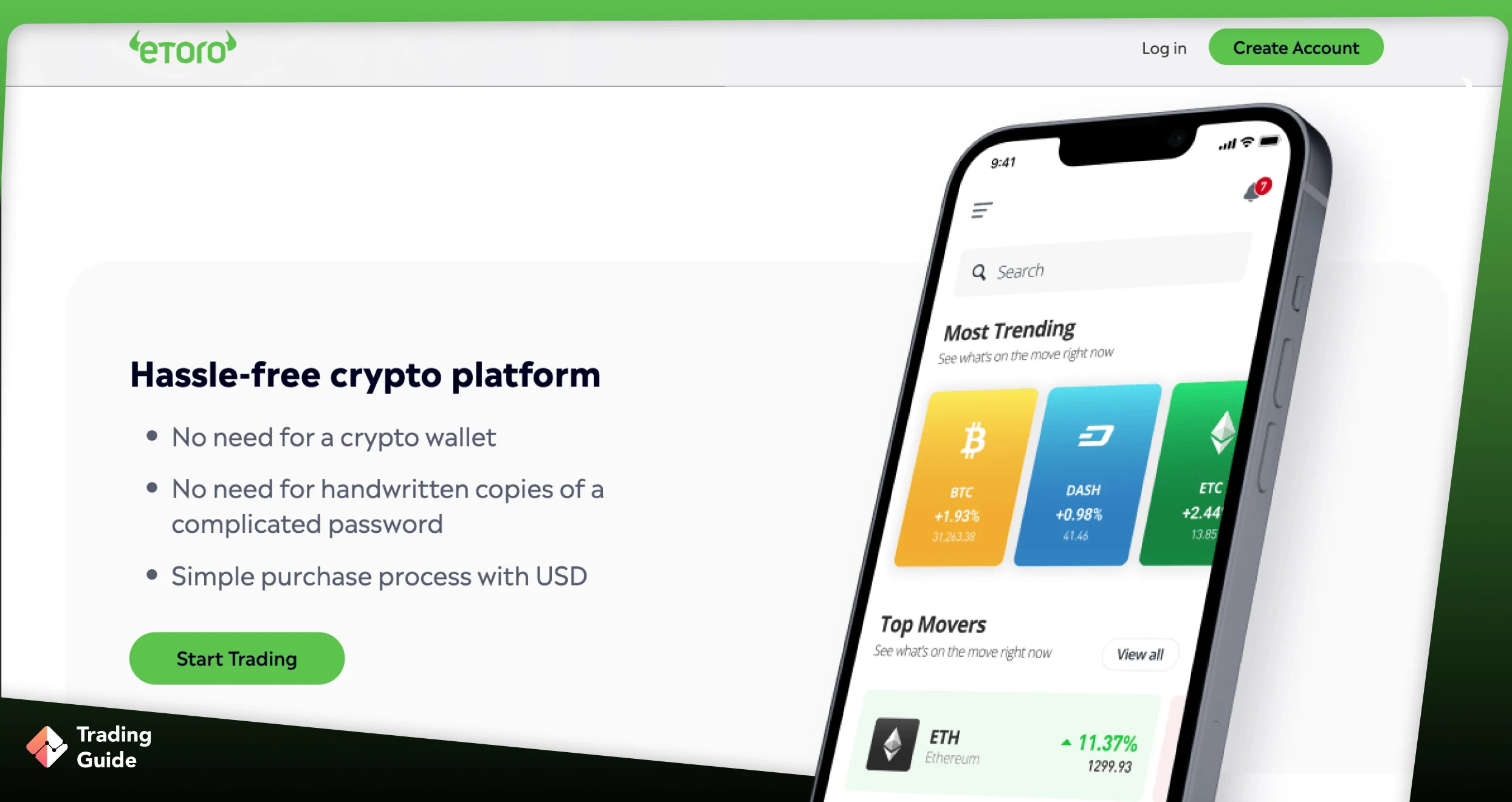

eToro is one of the most accessible AI-driven trading apps in the UK, offering an easy entry point for new and experienced investors. AI trading is supported through its CopyTrader platform. This tool allows you to automatically mirror the trading activity of top investors in real time, with no added copying fees. You simply select a trader, set the amount you want to allocate, and eToro handles the execution. This makes it ideal for users who want algorithmic-style trading results without coding or running bots.
I discovered that UK clients can start trading or investing at eToro with a £50 minimum deposit. Plus, you get access to more than 7,000 instruments, including shares, forex, indices, commodities, ETFs, crypto, and more. Although all deposits are free, a £5 withdrawal fee applies. You will also be charged a £10 inactivity fee should your account remain dormant for over 12 months.
Another impressive feature at eToro is its ability to pay up to 3.8% annual interest on cash balances. This benefit comes with monthly payouts and no lock-ins, which adds an attractive passive-income element for long-term users. Other features worth mentioning include social trading, a £100,000 virtually funded demo account, and commission-free stock and ETF investing.

✔Low minimum to fund an account and begin investing




- AI-style automated investing through CopyTrader
- £50 minimum deposit for UK clients
- Earn up to 3.8% interest on cash balances
- Commission-free stock and ETF trading
- Features a large community plus a comprehensive learning platform
- £5 withdrawal fee
- Its minimum allocation amount of £200 to copy a trader can be high for low-budget traders
- Spreads from 1 pip can be higher than some competitors
| Types | Fee |
| Minimum Deposit | $50 |
| Conversion Fee | depends on your payment method, currency, and eToro Club level. |
| Overnight Fee | vary according to the value and direction (BUY or SELL) of your position |
| Withdrawal Fee | all withdrawal requests are subject to a $5 USD fee |
| Inactivity Fee | monthly inactivity fee of $10 USD (charged after 12 months) |
2. FxPro – Best for CFD Traders
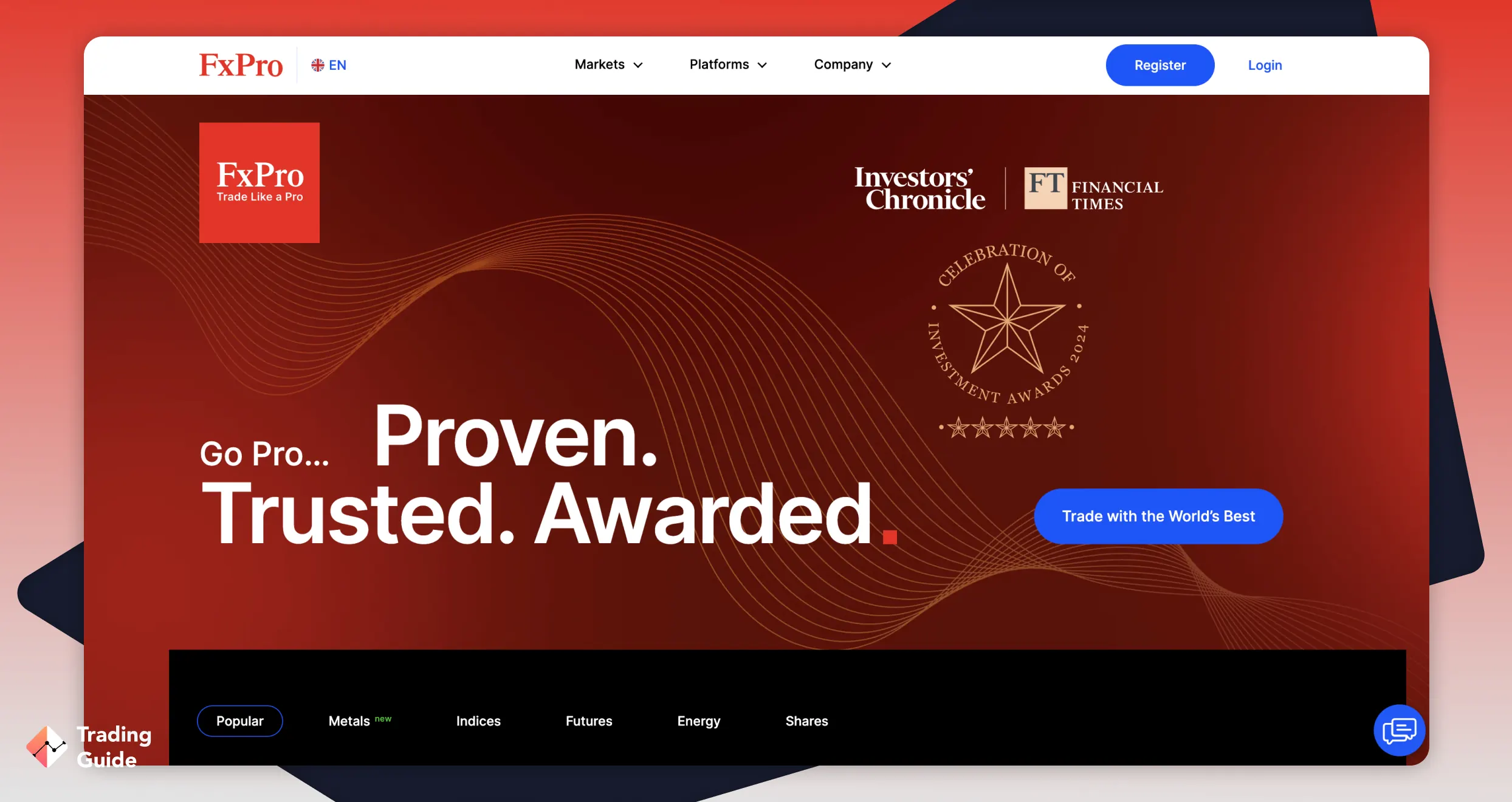
If you are looking for a top AI-powered trading app for CFD trading, FxPro offers a wide range of opportunities. With an active FxPro account, you can trade thousands of CFDs across major financial instruments, including:
- Forex pairs such as EUR/GBP and GBP/USD
- Shares like Associated British Foods and Adidas AG
- Precious metals, including gold and copper
- Energy products, futures, and popular indices
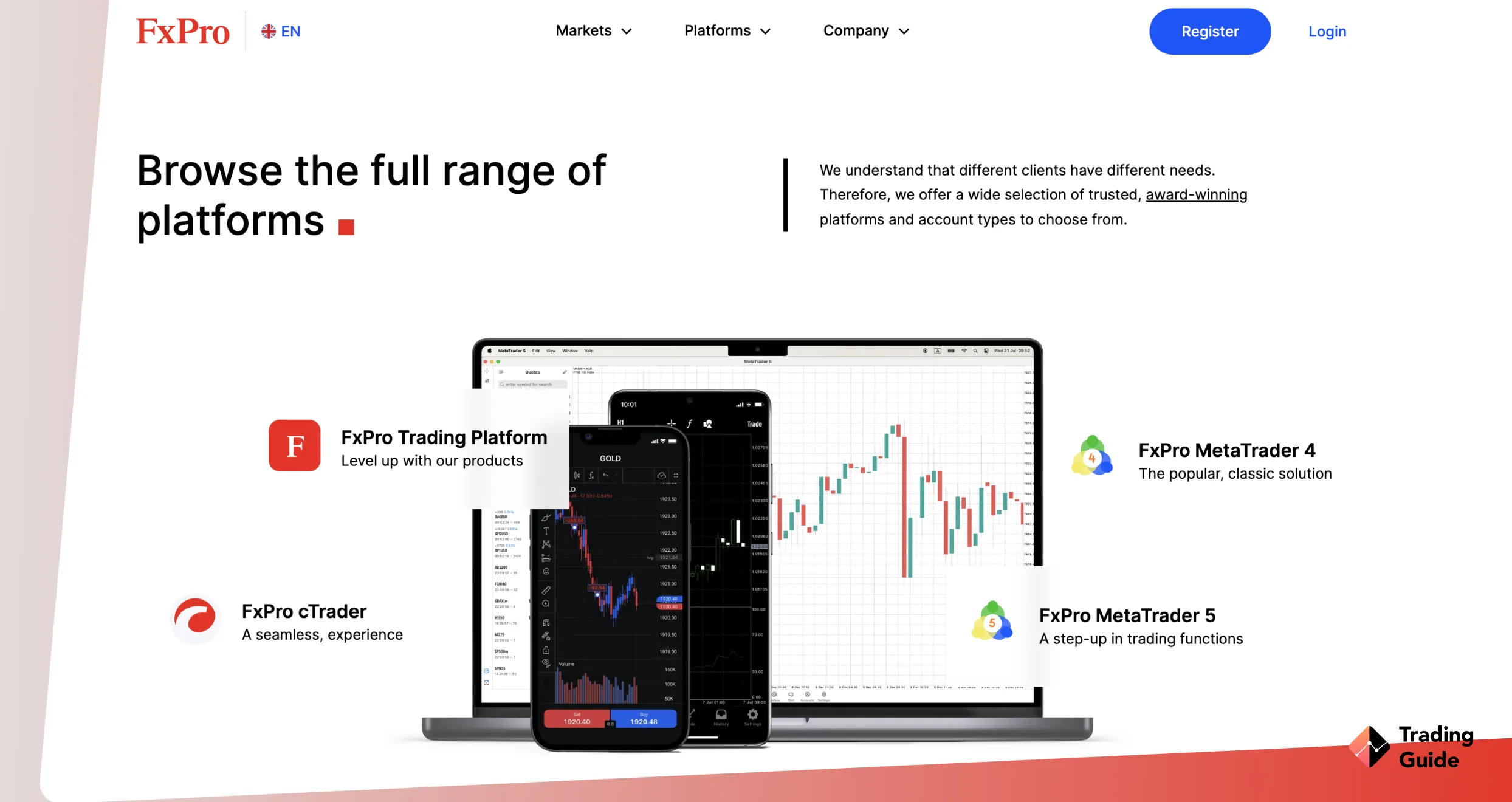
FxPro provides several trading platforms to suit different preferences:
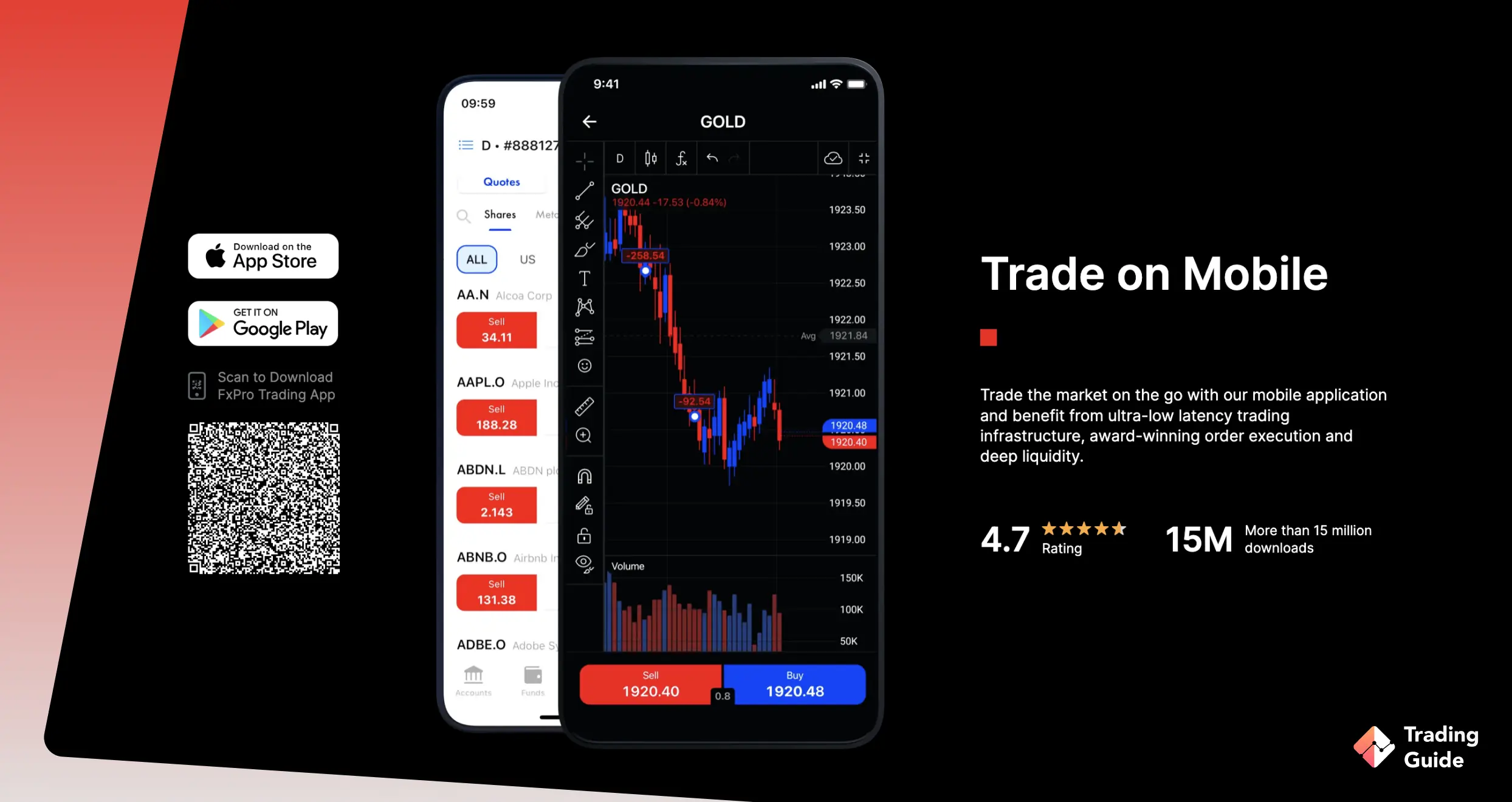
- FxPro mobile app – Designed for smartphone-orientated traders for trading on the go
- FxPro WebTrader – Browser-based access for easy trading anywhere
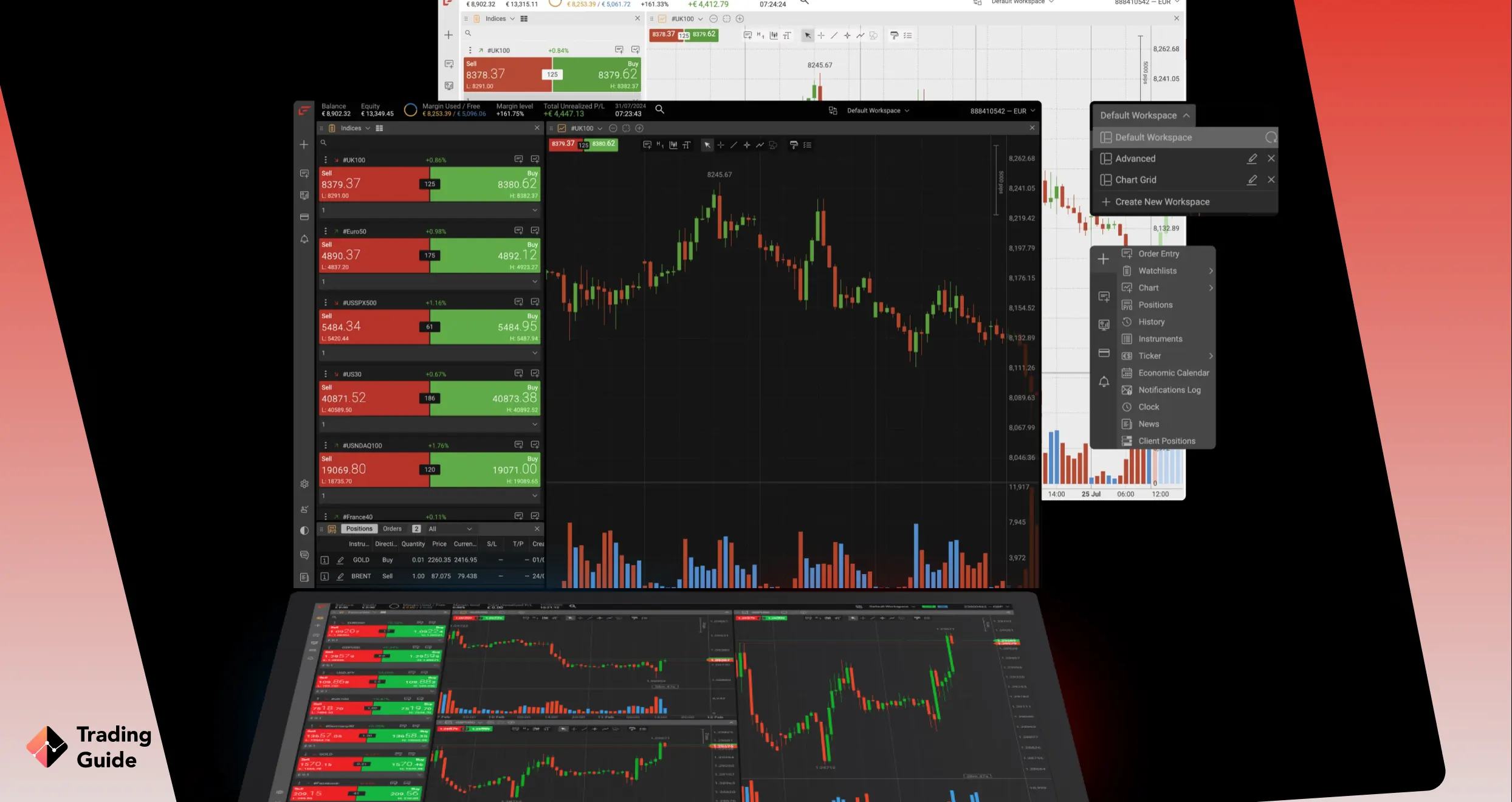
- cTrader, MT4, and MT5 – Full-featured platforms supporting automation, advanced charting, and order types
FxPro caters to retail, professional, and high-net-worth traders. For those trading large volumes, a VIP account offers perks such as up to 30% discounts on market spreads. To open a VIP account, you must fund your wallet with a minimum of £50,000.
Before trading CFDs, please note that, according to FCA data, around 80% of retail investors lose money. Trade only with money you can afford to lose, and manage risk using tools such as stop-loss orders.

✔ Trustworthy broker
- Licensed by the FCA (Reference number 509956)
- MT4, MT5, and cTrader are supported
- Tight spreads from 0 pips for Raw+ users
- All traders enjoy negative balance protection
- Newbies can practise with demo accounts with £100K virtual money
- £15 monthly fee after 6 months of inactivity
- Limited learning resources
| Type | Fee |
| Minimum deposit | £100 |
| Withdrawal fee | £0 |
| Inactivity fee | £15 once + £5 monthly |
3. IG – Best for Stock Investing
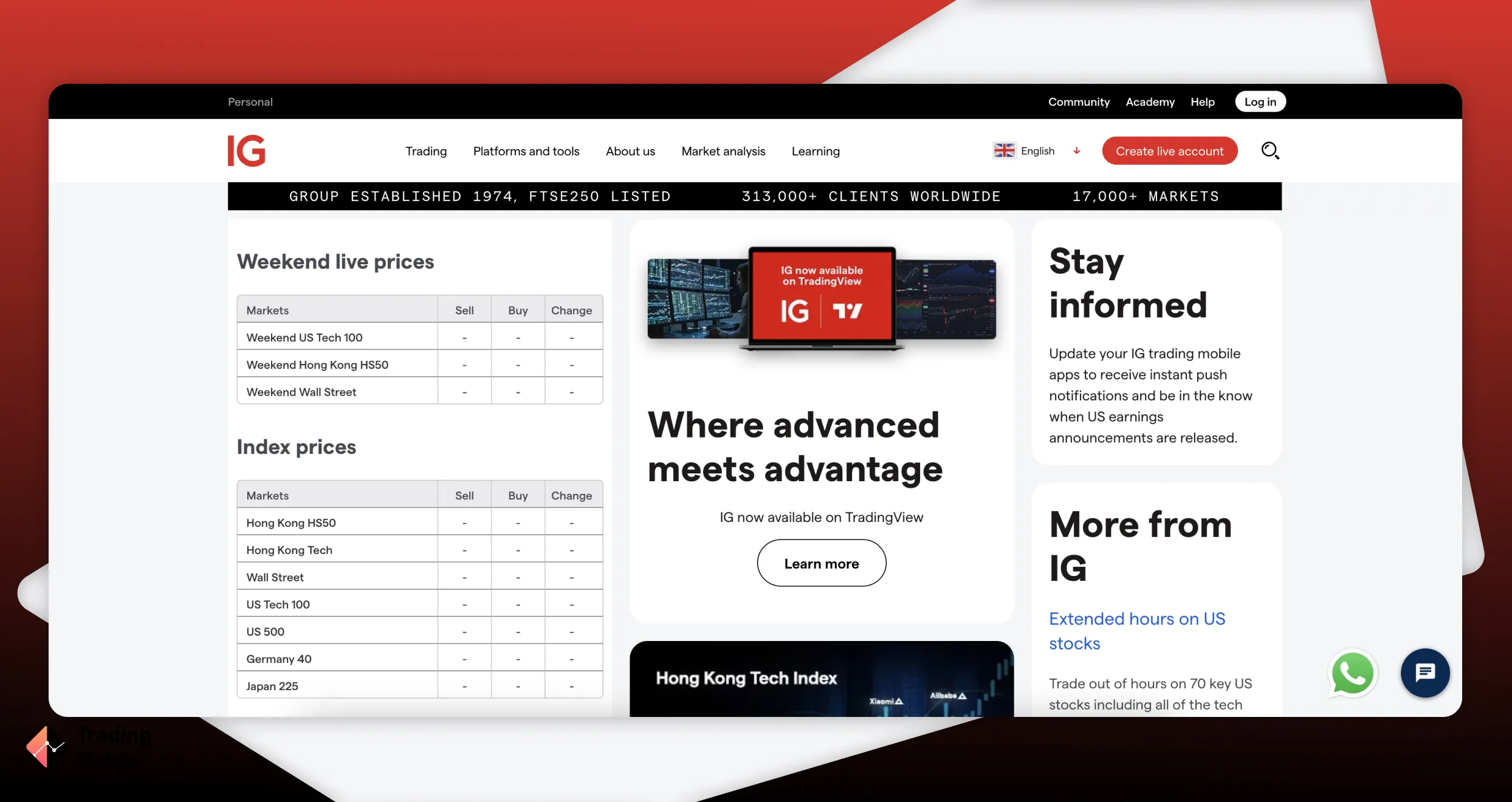
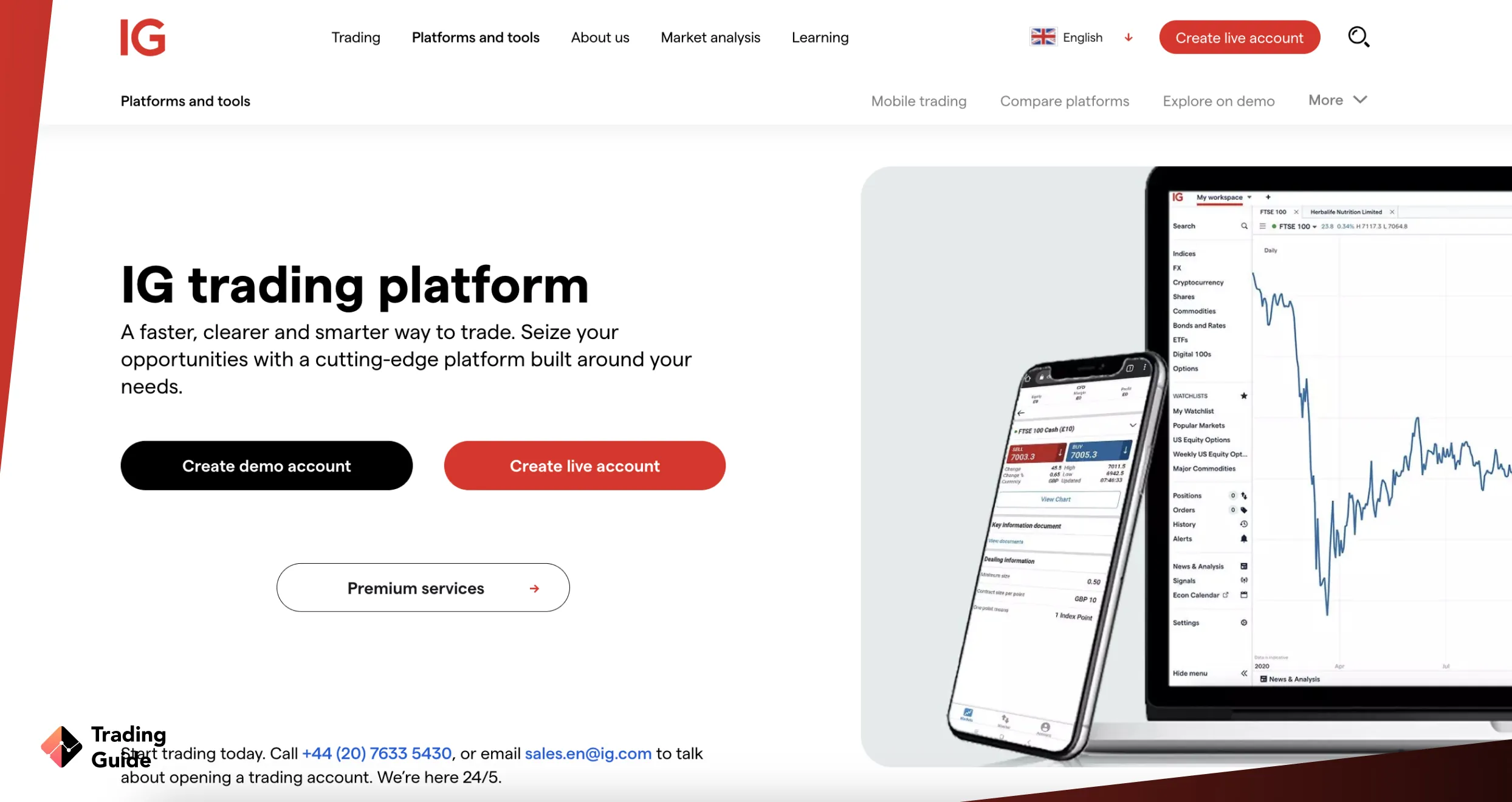

If you’re looking for a reliable platform to invest in stocks while leveraging AI tools, IG stands out in the UK. My experience shows that IG offers over 12,000 global equities, allowing you to build diversified portfolios across regions and sectors. You can buy and take ownership of stocks through the IG Invest app or web-based share dealing accounts, including GIA, Stocks and Shares ISA, or SIPP, keeping long-term investments tax-efficient.
For automated trading, IG supports ProRealTime and MT4, as well as native APIs, enabling algorithmic strategies to capitalise on market opportunities while limiting human error. Its Smart Portfolios offer hands-off investing, with expert-managed options aligned to different risk levels that combine automation with long-term growth strategies.
Beyond equities, IG supports ETF investing. On top of that, you can take short-term positions through 17,000+ CFDs and spread betting instruments, covering forex, commodities, indices, futures, options, IPOs, and more. Besides supporting clients with quality trading and learning tools, IG offers an opportunity to earn up to 4% AER variable interest on GBP cash balances.
67% of retail investor accounts lose money when trading spread bets and CFDs with this provider

✔ Leading broker with low fees
- Access to 12,000+ global equities and ETFs
- Automated trading on ProRealTime, MT4, and APIs
- Smart Portfolios for hands-off investing
- GIA, ISA, and SIPP account support
- Earn up to 4.00% AER on cash balances
- No MT5 platform for UK clients
- Automated trading is not available on TradingView or L2 Dealer
| Type | Fee |
| Minimum account | £0 |
| Opening an account | £0 |
| Overnight funding | yes (depends on market) |
| Withdrawal fee | £0 |
| Inactivity fee | £18 monthly after 24 consecutive months of inactivity |
| Advanced graphs (ProRealTime) | £30 per months |
4. Spreadex – Top Option for Spread Betting
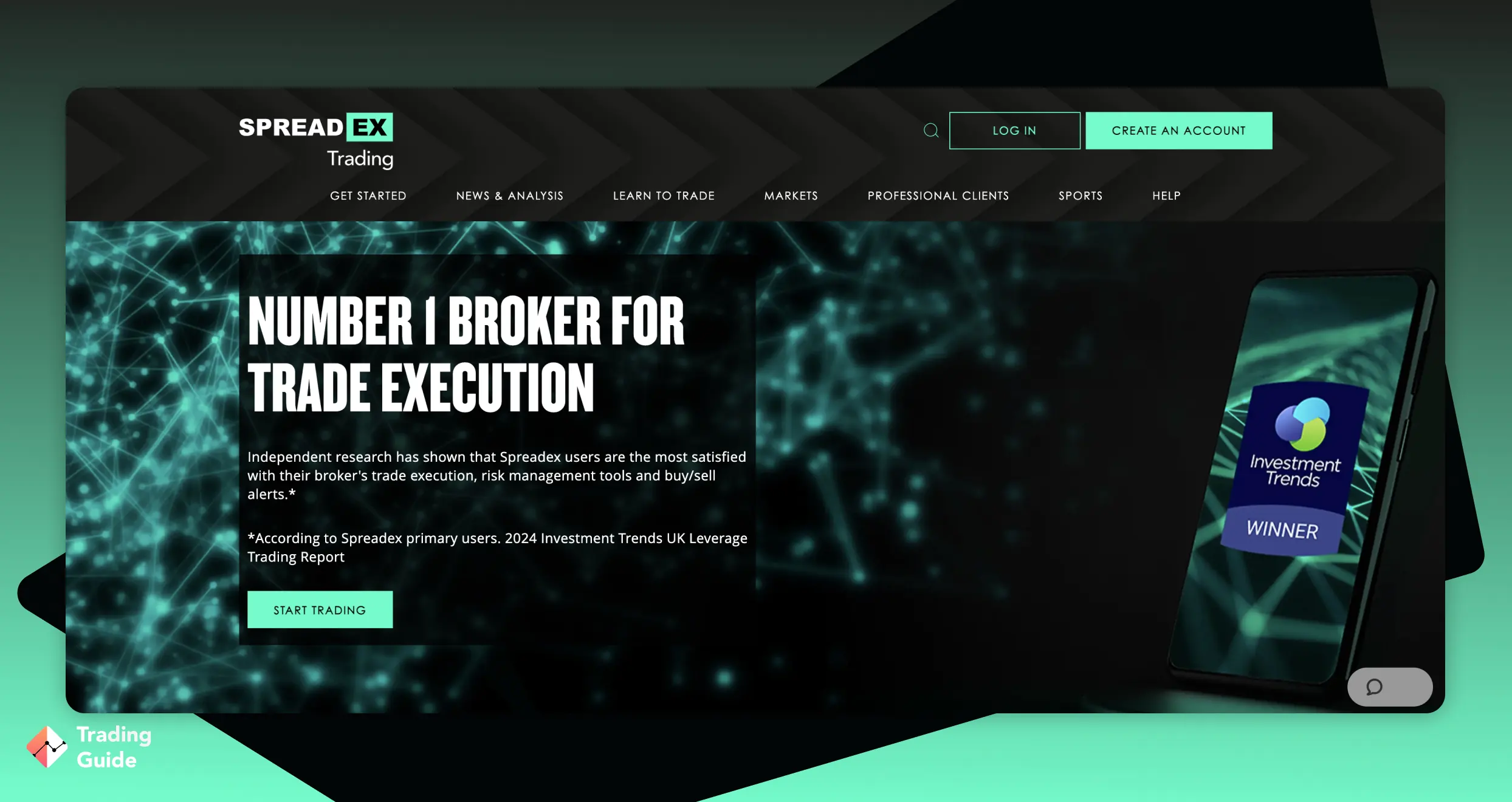
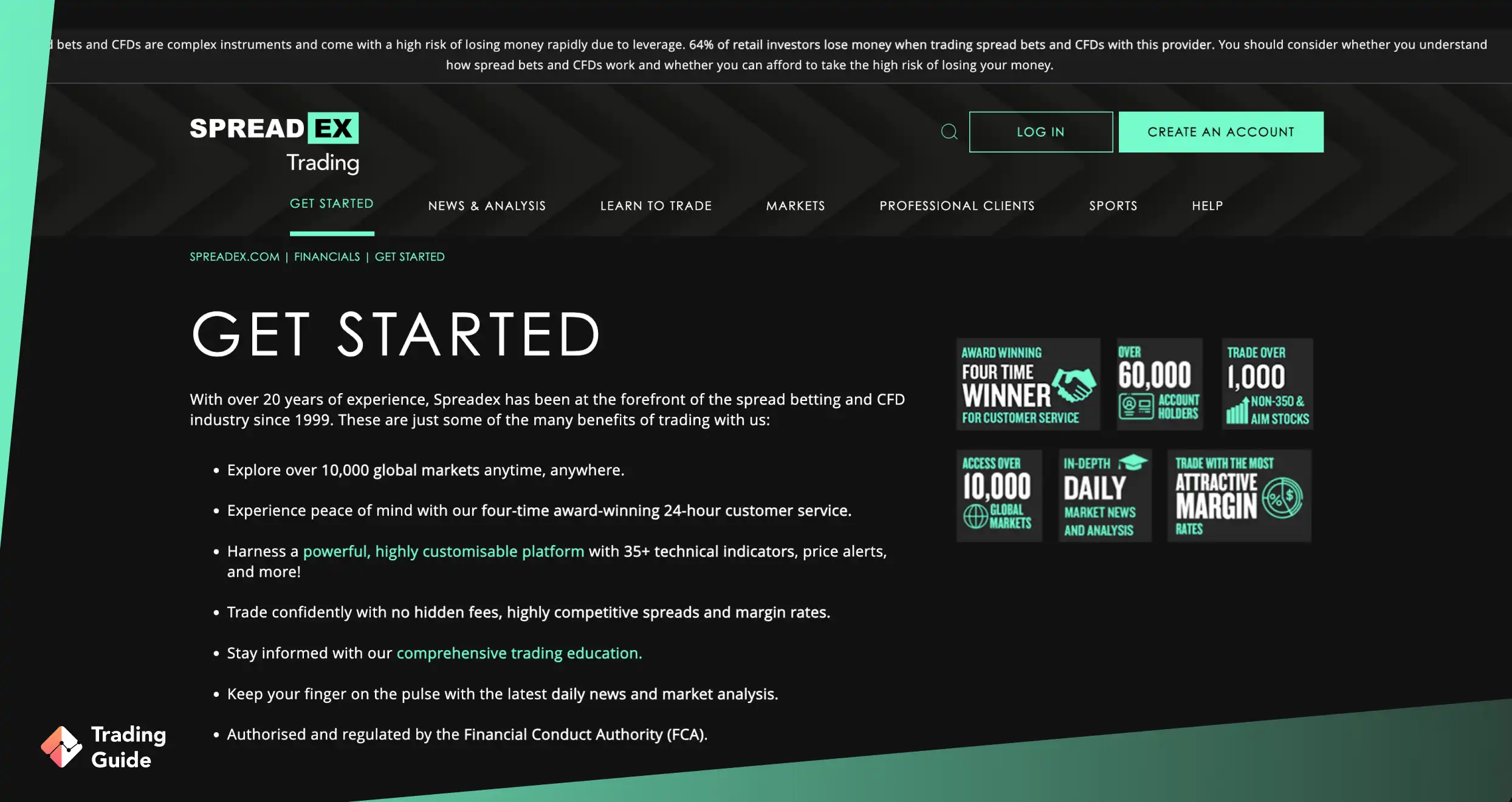
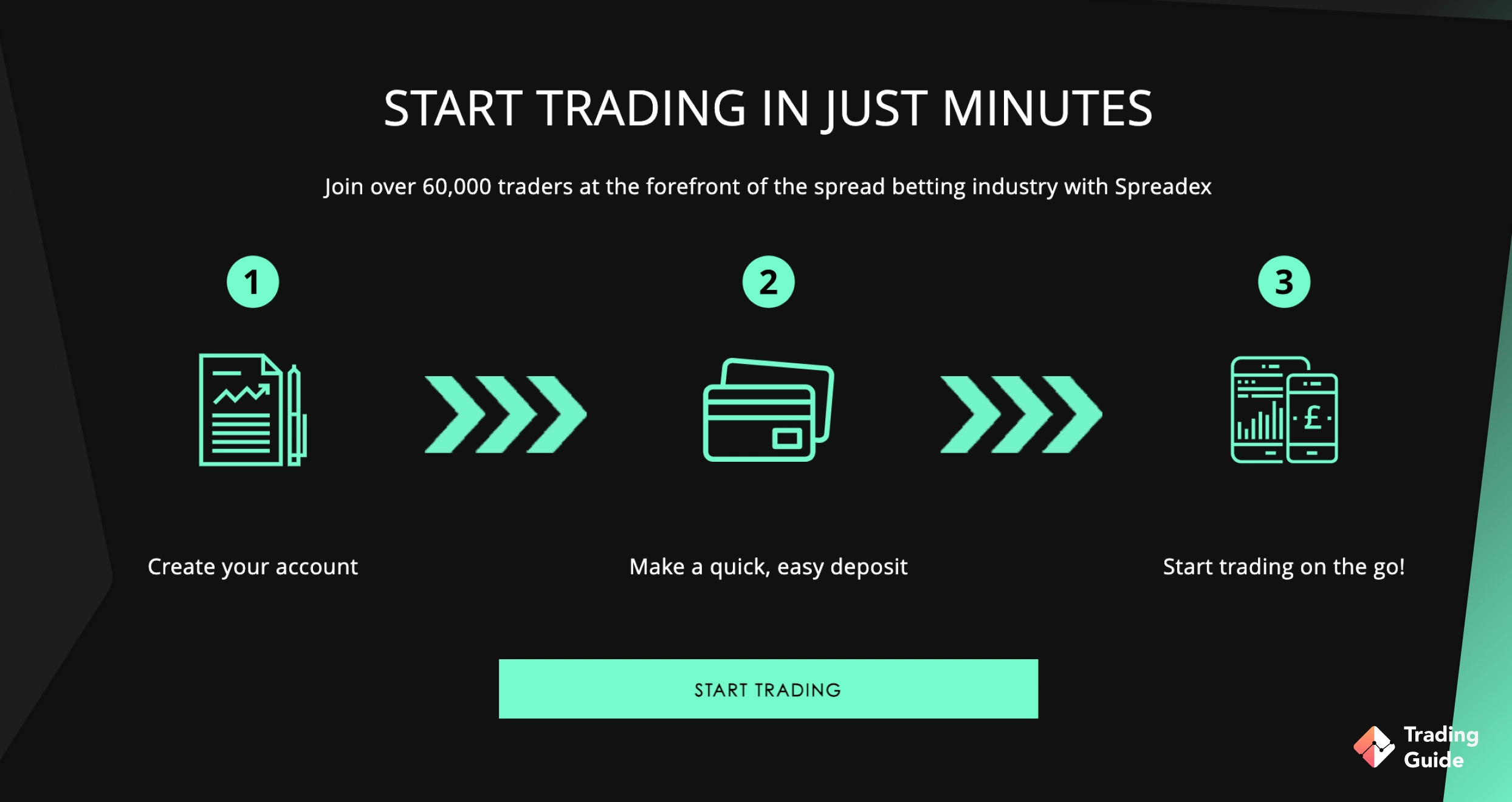
Spreadex is an excellent AI trading app for spread bettors looking to enjoy AI trading features. I find these features to be of high quality, making users’ trading experience worthwhile. Plus, the app executes trades fast on both iOS and Android mobile devices, making it ideal for traders who want flexibility and fast access to global markets.
While Spreadex is not an AI trading platform, it does offer several automation-style analytical tools that help traders interpret price action more efficiently. Features like automated pro trend lines, pattern recognition, advanced chart templates, and macro-data overlays provide intelligent market insight without replacing trader control.
Charting is a major strength. You can trade directly from the chart, use a wide range of technical indicators, access over 10 years of price history, and set free price alerts by text, email, or push. For those wanting richer analysis and social community experience, Spreadex integrates with TradingView, known to connect traders to a larger global community.

✔Helpful customer service
- Powerful proprietary platform with fast, fair execution
- Advanced charting with automated tools
- Lists over 10,000 spread betting and CFD instruments
- Free price alerts and an excellent mobile app
- TradingView integration for superior charting and social trading
- No demo account
- Not suitable for fully automated/AI-driven trading
| Type | Fee |
| Minimum deposit | Free |
| Overnight fee | Yes |
| Deposit fee | Free |
| Withdrawal fee | Free |
| Inactivity fee | Free |
5. Capital.com – Top Broker To Trade Leverage Free
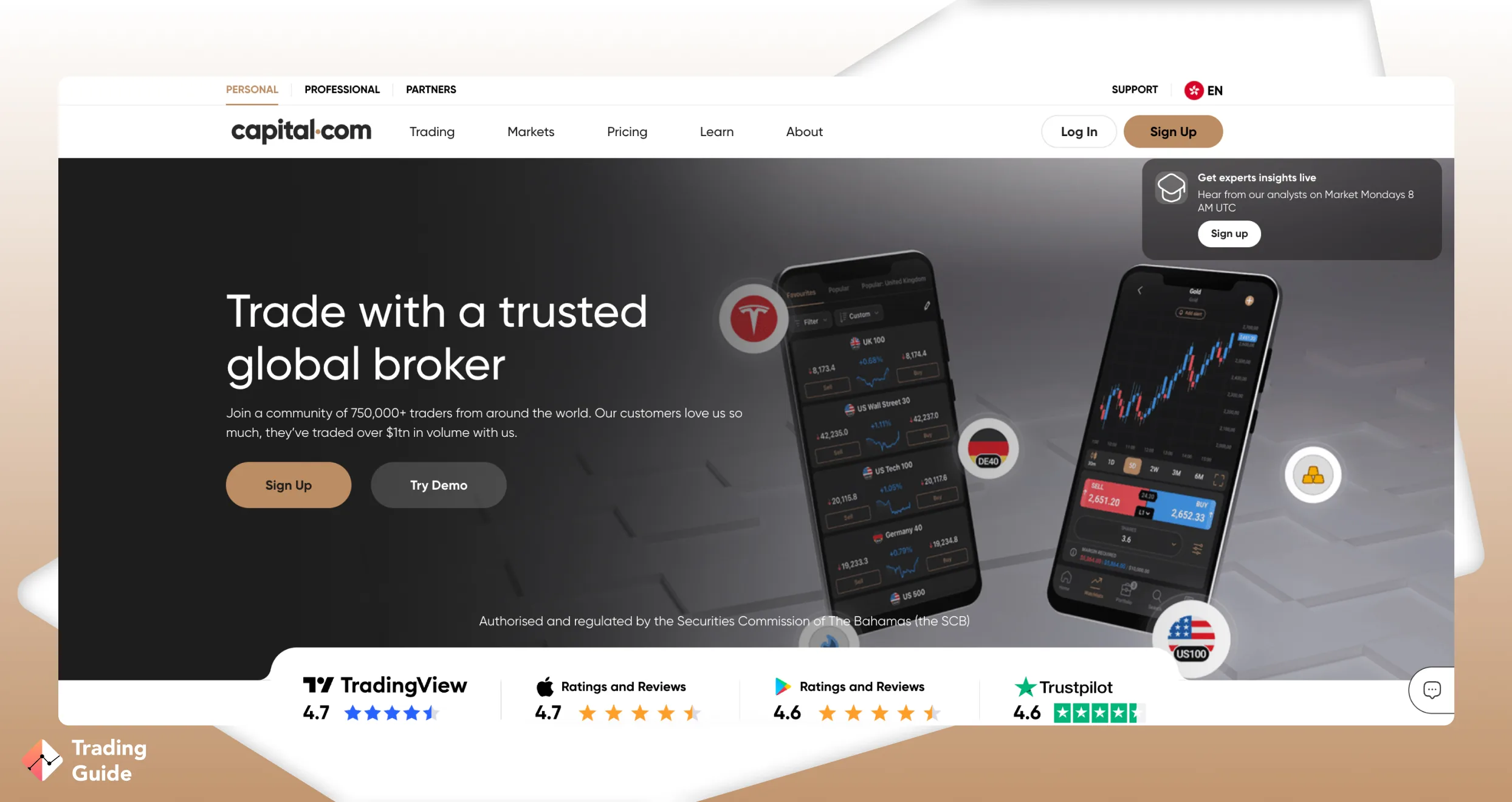
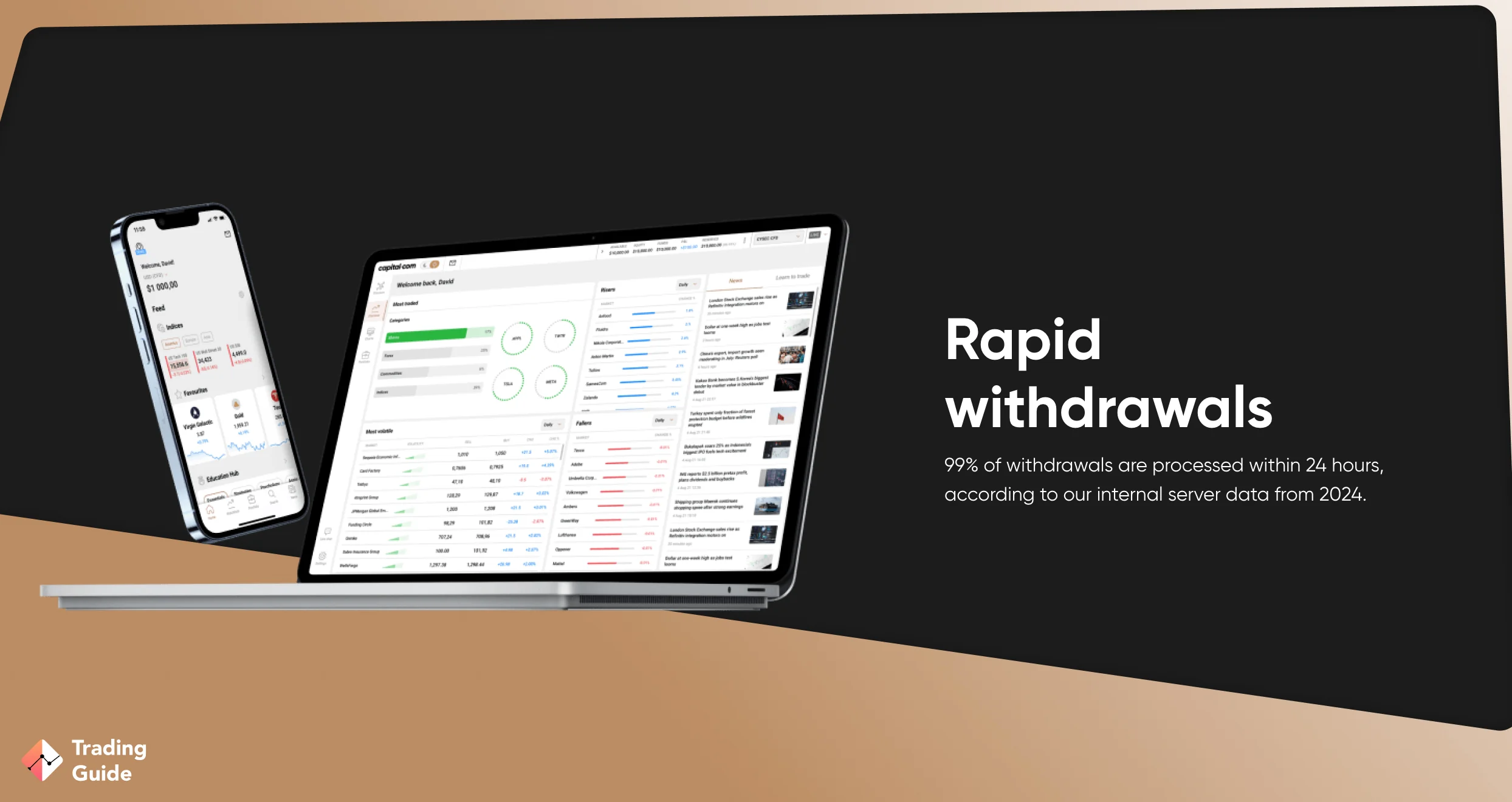
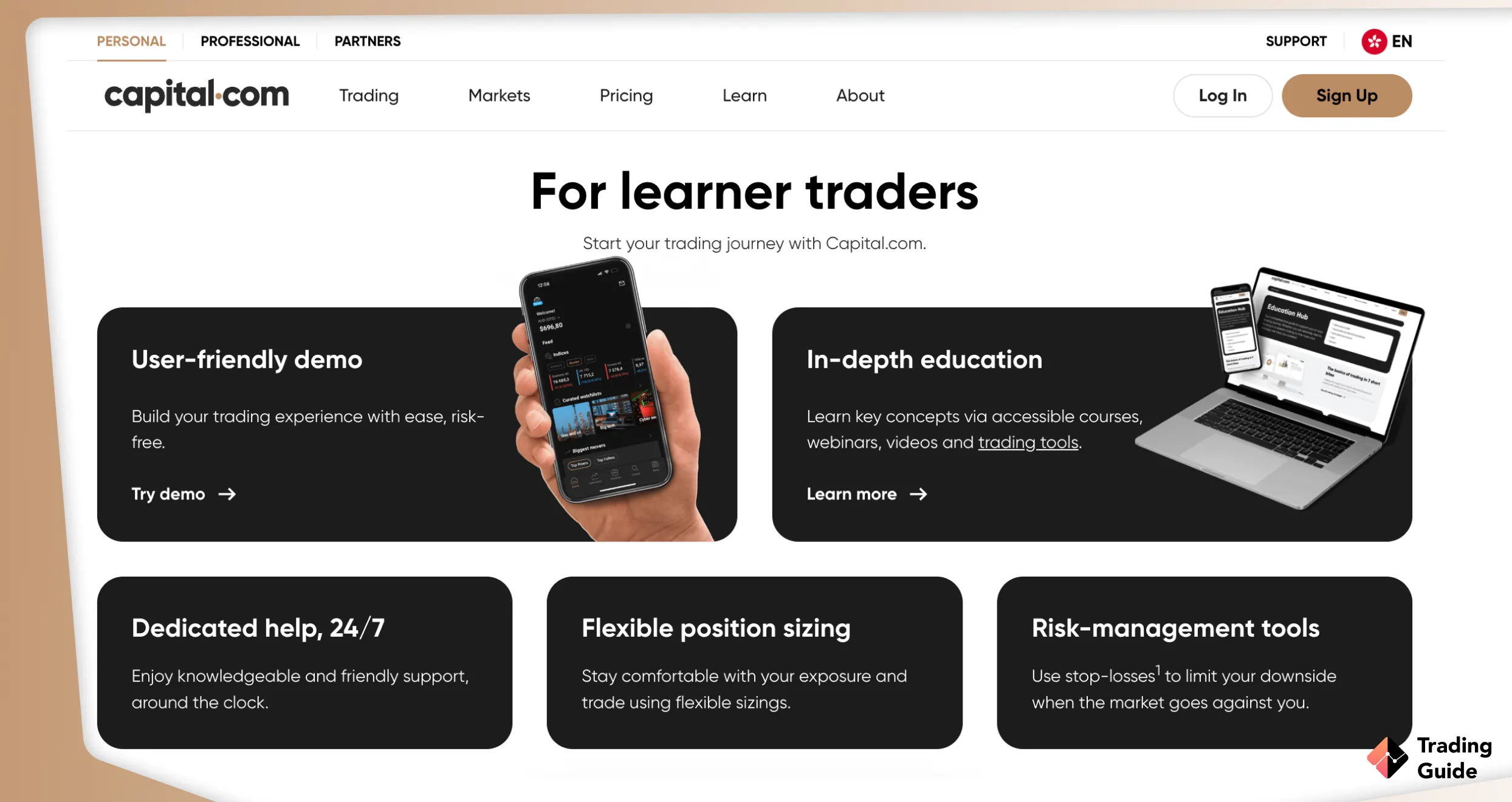
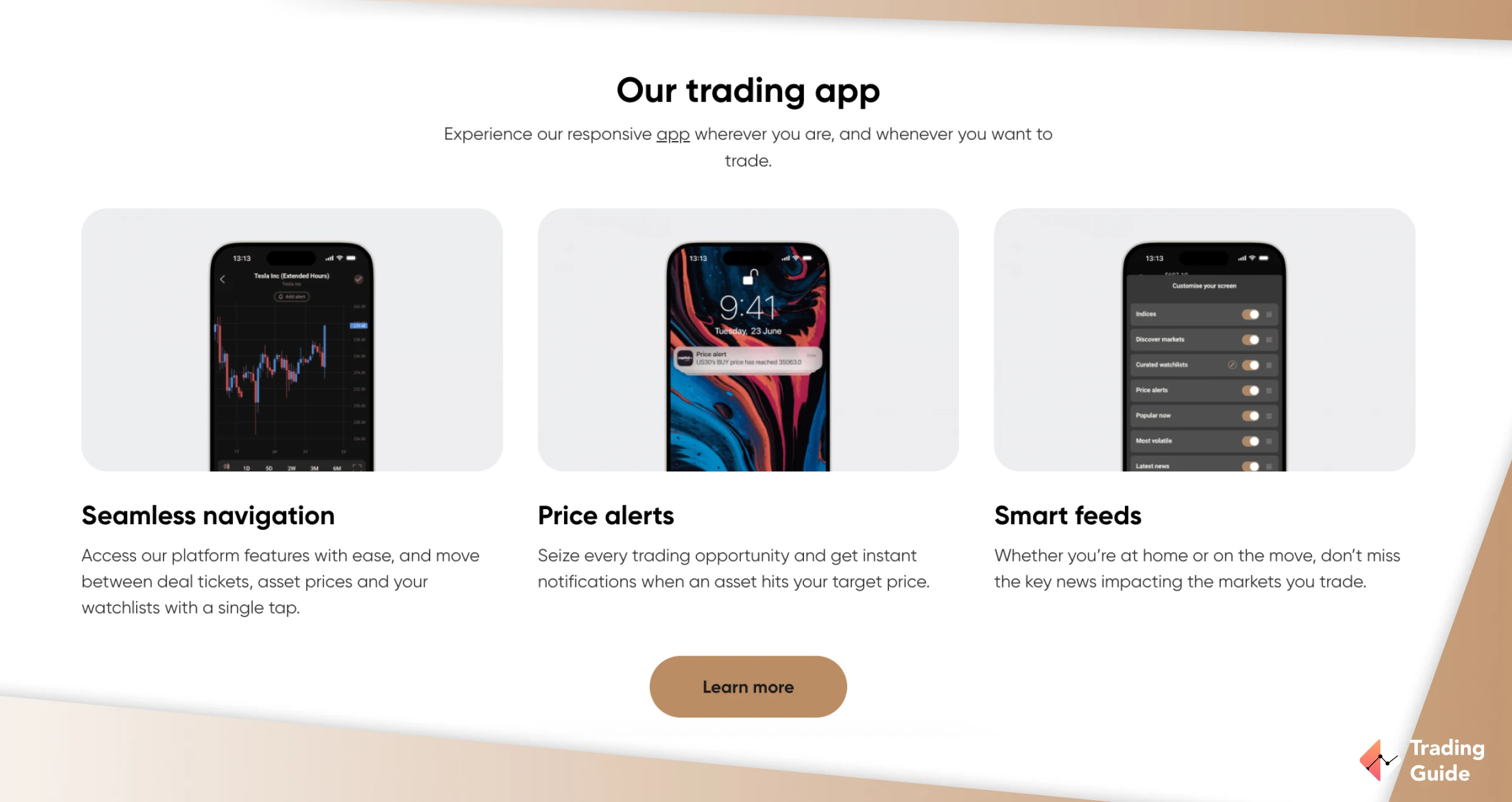
Capital.com is a versatile and reliable AI trading app for UK traders, offering access to over 5,000 markets across forex, shares, indices, and commodities. You can trade these securities as CFDs and spread betting commission-free. While spreads apply, they are among the lowest in the industry, starting from 0.0 pips on major currency pairs.
This app executes trades seamlessly on iOS and Android mobile devices, with a minimum deposit requirement of just £20. Moreover, the app hosts multiple trading platforms to suit different styles, including its proprietary web and mobile apps, MT4, and TradingView. These platforms offer advanced charting, over 100 technical indicators, one-click trading, and a wealth of analytical tools, ensuring both new and experienced traders can execute strategies efficiently.
For risk-conscious traders, Capital.com’s 1X account allows trading CFDs without leverage, meaning there’s no overnight funding fee. The broker is well-regulated, hosts plenty of learning materials and professional 24/7 support service team.

✔ Highly regulated
- Access to 5,000+ markets, including forex, shares, indices, and commodities
- Supports CFD trading without leverage
- Minimum deposit of £20 for UK clients
- AI trading is supported via the MT4 platform
- Features quality educational resources on its Investmate app
- There is no physical ownership of the listed assets
- No copy trading
| Type | Fee |
| Minimum Deposit | £20 |
| Commission/Spreads | Free commissions, with Capital.com spreads from 0.0006 pips |
| Overnight Funding | Yes, except for the 1X account |
| Currency Conversions | £0 |
| Guaranteed Stop-Loss Orders | Yes |
| Inactivity | £10 per month after 12 months of inactivity |
| Deposits and Withdrawals | £0 |
6. Pepperstone – Best Overall
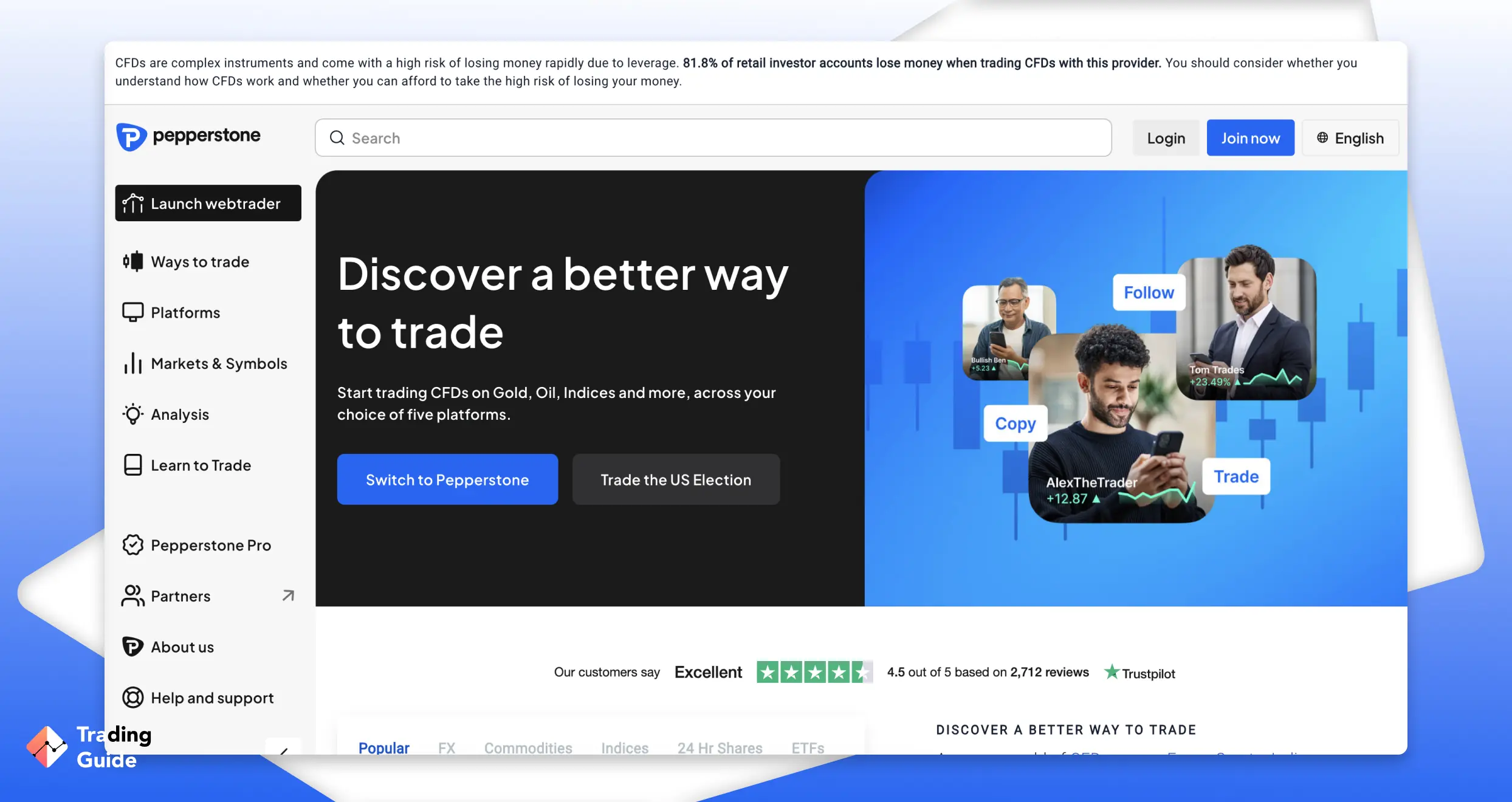
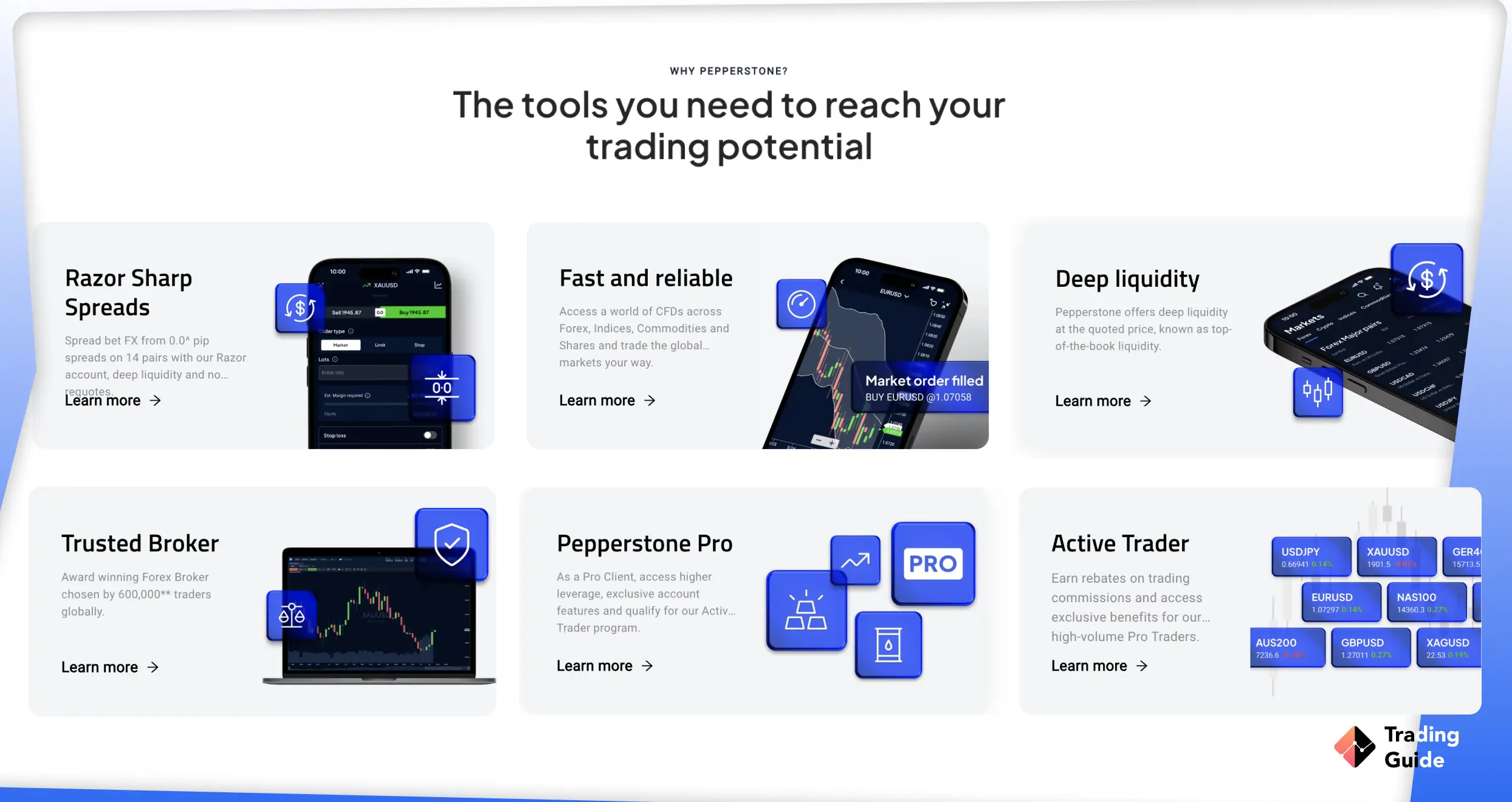
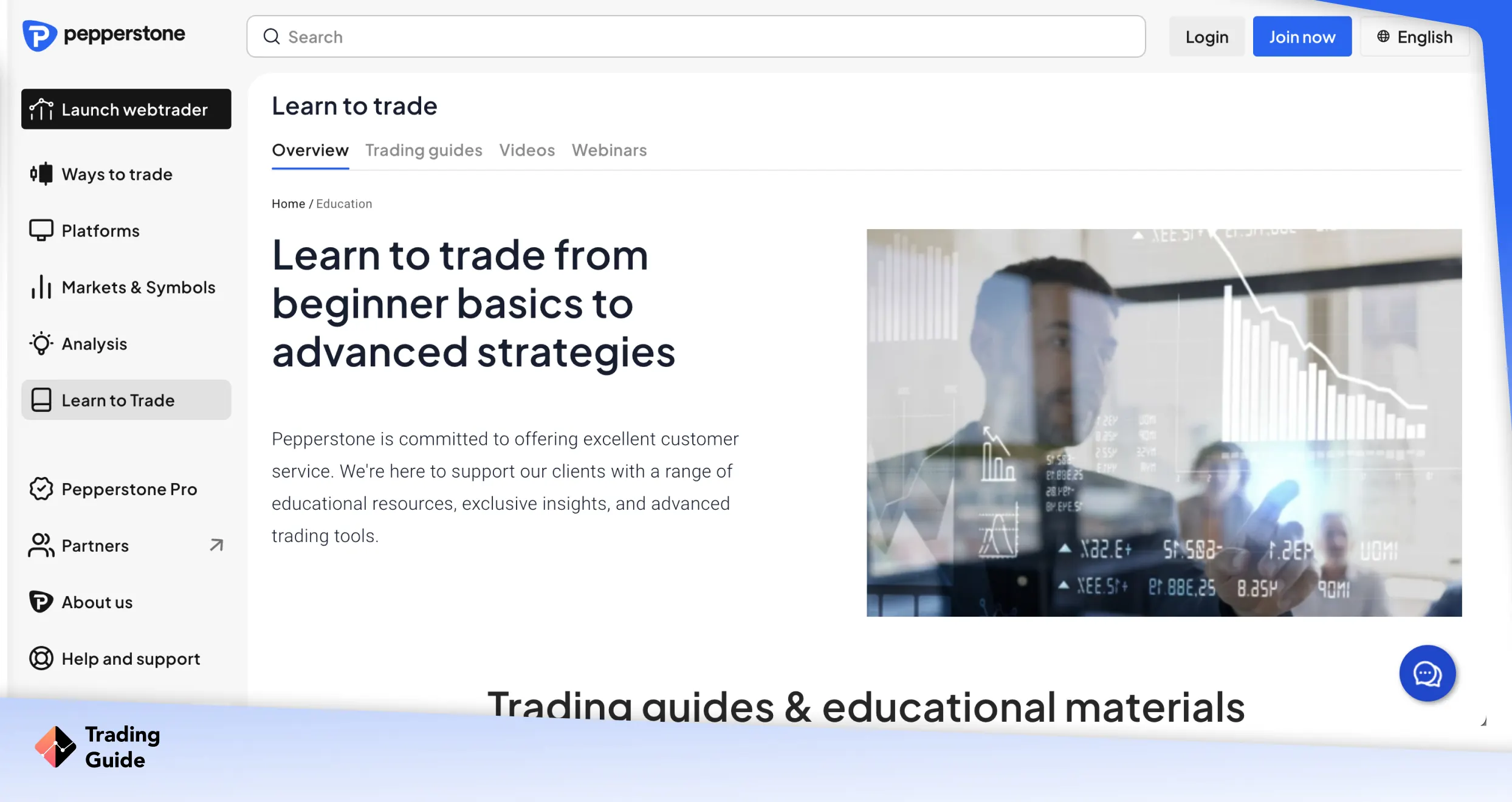
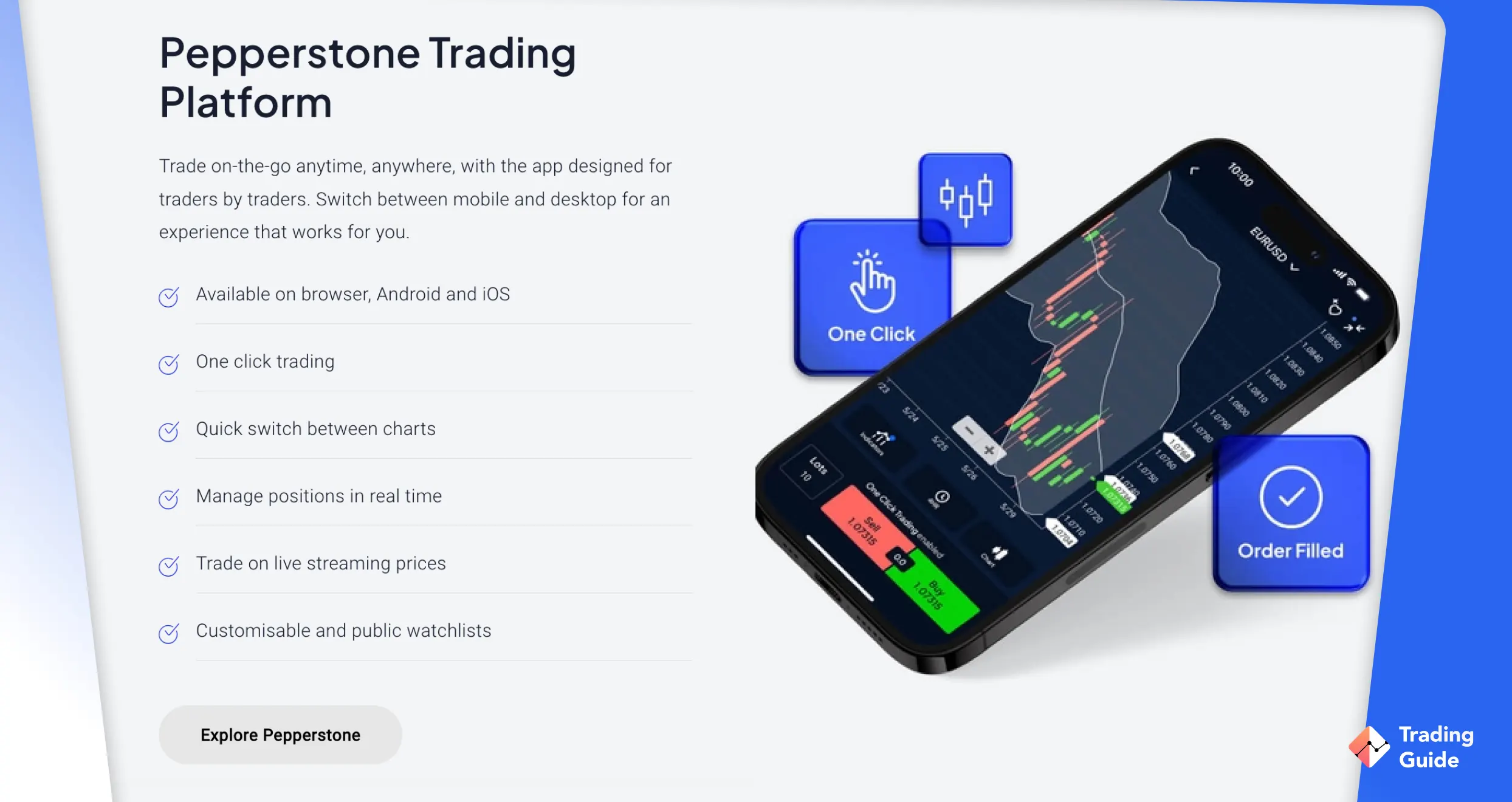
Pepperstone is a versatile broker suitable for traders of all levels, from beginners to professionals. It supports multiple trading platforms and offers tools to simplify both manual and automated trading.
The broker partners with Capitalise.ai, an automated trading application that requires no coding skills. With Capitalise.ai, you can:
- Create trading strategies in plain English – For example, “Buy GBP/USD when RSI drops below 30.”
- Backtest strategies with historical data – See how your strategies will perform before risking real money.
- Automate trades on MT4 – Deploy your strategy directly on your Pepperstone MT4 account.
Capitalise.ai is free for Pepperstone clients. Beginners can also access a library of ready-made strategy examples and set smart notifications for market prices, macroeconomic events, and other alerts.
Pepperstone users also benefit from:
- Availability of TradingView, cTrader, MetaTrader 4 (MT4), and MetaTrader 5 (MT5)
- Free demo account with £50,000 virtual funds for practice
- No strict minimum deposit to start trading
- Clear, beginner-friendly trading guides and tutorials

✔ No dealing desk intervention
- Licensed by the FCA (Firm reference number 684312)
- Elite trading tech, including MT4 and MT5
- No set minimum deposit requirement
- Tight spreads from 0 pips for Raw account users
- No inactivity charges
- Users can only trade CFDs without owning underlying assets
- Limited learning resources for beginners
| Type | Fee |
| Minimum Deposit | $0 |
| Withdrawal fee | $0 |
| Deposit fee | $0 |
| Inactivity fee | No |
| Account fee | No |
Read about the best paper trading platforms and best options trading platforms UK in our other articles.
How AI Trading Apps Work
AI trading apps work like smart assistants for traders. They collect and process large amounts of market data in real time. This includes price changes, technical indicators, news, and even market sentiment. By spotting patterns faster than a human, the apps can identify trading opportunities within seconds.
The core technology is powered by algorithms and artificial intelligence. Neural networks help detect hidden price trends. Machine learning models improve strategies through practice and testing. Some apps even use language processing tools to read news and social media for signals. When conditions match the set rules, the app places trades automatically.
Before going live, most AI strategies are tested on historical market data. This process, known as backtesting, helps to refine and adjust the system. Once active, the app keeps running on its own. It monitors trades, adapts to market changes, and executes decisions with speed and accuracy.
Read about the best crypto trading bots in our other guide.
Best AI Apps for Crypto Traders
If you also want to trade real crypto assets, several AI-powered trading apps are ideal for this purpose:
- Kraken – Offers custom or subscription-based AI trading bots. Licensed by the FCA (Reference number: 928768), Kraken users can access over 350 cryptocurrencies.
- Crypto.com – Lets you buy and sell crypto 24/7 using AI-driven DCA, Grid, and TWAP bots. Clients can trade over 400 cryptocurrencies on a reliable FCA-regulated platform (Reference number: 941745).
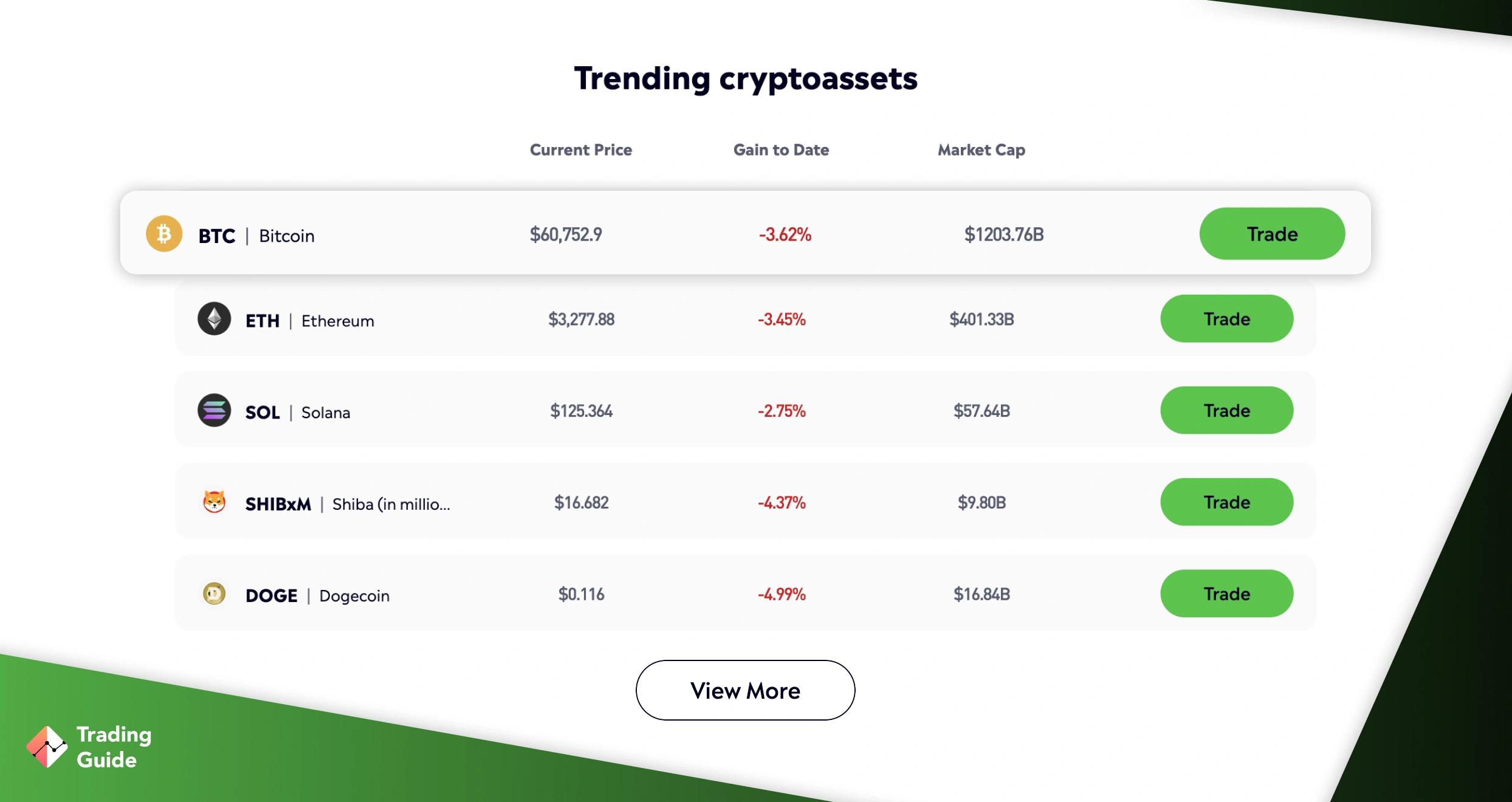
- eToro – Provides access to 100+ vetted crypto assets, from Bitcoin to IOTA. You can also copy other traders or leverage insights from the platform’s social trading community (FCA reference number: 583263).
How to Choose the Right AI Trading App in the UK

Getting started with the right AI trading app in the UK is a crucial decision that significantly impacts your trading experience and outcomes. With many platforms available, it is important to filter out low-quality or unregulated providers. A poor choice can expose you to hidden charges, weak performance, or even fraudulent schemes. By evaluating a few key factors, you can select an app that is safe, reliable, and aligned with your trading goals.
Below are the most essential steps to consider before committing to any AI trading app.
Security should always be the top priority in trading. When you deposit money into a platform, you are trusting that company with both your funds and personal information. To protect yourself, choose apps that are authorised by well-known regulators such as the UK’s Financial Conduct Authority (FCA). Regulation ensures that the company adheres to strict financial standards and is accountable for its operations.
Alongside regulation, look for strong security features built into the app. Two-factor authentication (2FA), data encryption, and withdrawal verification are standard safety measures. These add extra layers of protection and reduce the risk of hacking or unauthorised access. If an app fails to provide precise details on its security practices, it’s a strong sign to avoid it.
An AI app is only helpful if it works smoothly during live trading. Markets can move in seconds, and any delay or crash could cost you money. That is why speed and stability are essential features to test. Most providers offer demo account, which are a great way to check execution times, data updates, and general responsiveness before risking real capital.
Equally important is the app’s design and usability. A cluttered or confusing interface makes it harder to react quickly. On the other hand, a clean and intuitive layout enables you to monitor trades, adjust settings, and track performance with ease. The best platforms strike a balance between advanced tools and easy navigation, allowing both beginners and experienced traders to use them effectively.
Diversification is one of the golden rules of trading. A good AI trading app should give you access to a wide range of assets, not just a single market. This flexibility allows you to spread risk and explore different opportunities. Look for platforms that include forex pairs, stock CFDs, indices, and commodities as a standard offering.
If you are interested in newer markets, such as cryptocurrencies or ETFs, confirm that these are also supported. Some apps limit their products to CFDs, which may restrict your strategy. By choosing a platform with broad asset coverage, you keep more options open and avoid being locked into one trading style.
Every trader knows that fees eat into profits. That is why comparing trading costs is a key step before committing to an AI app. Focus on spreads, commissions, and overnight charges, as these will impact your bottom line. Some apps advertise zero commissions but make money through wider spreads; therefore, it is essential to read the fine print.
Beyond trading costs, be aware of non-trading fees. Charges for withdrawals, deposits, or even account inactivity can add up over time. A platform that appears inexpensive at first may turn out to be more expensive once hidden costs are factored in. Always calculate the total cost of trading, not just the headline figures.
The best AI trading apps do more than just execute trades. They also provide resources to help traders improve their knowledge and make informed decisions. Beginners benefit from demo trading, tutorials, and trading courses. Experienced traders often seek advanced charting tools, market news feeds, and analyst commentary to refine their trading strategies.
Having these tools within the same platform saves time and makes trading more efficient. For example, receiving live market updates or economic calendars directly within the app enables you to adjust positions without needing to switch between multiple sources. A platform that invests in education and research shows a genuine interest in supporting its users.
Finally, learn from the experiences of other traders. Reviews and recommendations give valuable insights into how an app performs in real conditions. Look for repeated positive feedback on speed, customer support, and payout reliability. Real user opinions often highlight strengths that marketing materials overlook.
At the same time, be cautious of red flags. Frequent complaints about withdrawal delays, poor customer service, or technical problems are strong warning signs. Since your money is at stake, it is better to avoid apps with a history of user dissatisfaction and choose one with a trustworthy reputation instead.
Explore also in our other guide Algorithmic Trading Platforms.
Risks and Considerations
AI trading apps aren’t risk-free, nor do they guarantee profits. Like any other financial tool, they come with limitations and risks that you should fully understand before relying on them for real trades. Here’s a breakdown of the most common concerns:
1. Technical failures
AI apps depend heavily on servers, APIs, and stable internet connections. If any of these components fail, trades may not execute as planned. For example, a delayed API response can result in missed buy or sell signals, while overloaded servers during peak trading hours can lead to increased slippage. Even a brief system outage can result in significant losses.
2. Lack of transparency
Most AI apps provide little or no information about how their algorithms function. As a user, you may not be aware of which indicators, data sources, or backtesting methods are being used. This lack of visibility makes it more difficult to assess whether a strategy is robust. Additionally, many platforms conceal costs in the fine print, including high withdrawal fees, inactivity charges, or inflated spreads, which can erode your profits.
3. Overreliance on automation
Traders who rely too heavily on automation often reduce their market awareness. Since AI models are trained on historical data, they struggle with unexpected events such as regulatory changes, sudden geopolitical crises, or flash crashes. When these occur, the app may execute trades that amplify losses before you even notice, making constant monitoring essential.
4. Costs
Beyond the advertised subscription fees, many apps charge additional fees for premium features, advanced strategies, or higher trading volumes. Commissions and spreads also vary significantly across platforms. Calculating the total cost of ownership (TCO), including hidden fees, is critical before committing. Comparing these costs with traditional brokers can help you decide whether an AI trading app is truly cost-effective.
5. Poor regulation
Not every AI trading app is backed by a licensed broker or financial authority. Apps that operate outside the oversight of regulators such as the FCA (UK), ASIC (Australia), or CySEC (Cyprus) present significant risks. Without regulation, there’s no guarantee of fund safety, fair execution, or recourse if the company manipulates performance data or disappears altogether.
Finally, be aware of the tax implications of trading with AI apps in the UK. Profits generated through these platforms are still subject to taxation. For instance, if you trade shares using AI tools, gains above the £3,000 annual exemption for the 2025/2026 tax year will be subject to Capital Gains Tax (CGT). For detailed information, consult the GOV.UK website or a qualified tax advisor.
Explore the best AI trading platforms in our other guide.
Conclusion
AI trading apps can give you a real edge by automating trades and reducing emotional bias, but they are not a shortcut to guaranteed success. To maximise the benefits of these tools, focus on developing learning, strategy, and trading discipline. Always backtest any automated strategy or trading bot before using real money.
When you transition to live trading, consider your tax obligations and financial risks. In the UK, profits from CFDs, stocks, or crypto may be subject to Capital Gains Tax if they exceed personal allowances. Maintain accurate records of trades, deposits, and withdrawals. And since over 80% of traders lose money, don’t risk more than you can afford to lose.
How we test?
The TradingGuide team, made up of myself and other experienced analysts, carefully researched and tested a wide range of AI trading apps to find the best options. We began by listing all available apps, verifying their regulatory status, and comparing key aspects such as fees, available assets, and reputation. From there, we tested the top contenders and selected five apps that stood out for their reliability and features.
Our thorough testing and selection process ensures that we recommend safe, reliable, and easy-to-use apps. By combining our test results with feedback from other users, we provide recommendations that are unbiased and objective. Curious about our methodology? Learn more on our How We Test page.
Related Articles:





I recently read an insightful article and it has been a game-changer for my trading journey. The comprehensive comparison table provided a well-rounded view of various AI trading apps, combining hands-on experiences and user feedback.
Overall, the article served as a valuable guide, and the user feedback section provided real-world insights. Kudos to the author for simplifying the complex landscape of AI trading apps!
Hello everyone, I came across a hot article about the best AI trading apps. It's all about automating trades, and real traders rave about eToro and AvaTrade. Some people like the interface, others like the support. I think it's worth a try. Thank you for the article. ?
Incredible AI trading guide! It provides essential info on top apps, thorough analyses, and real user reviews, making it a crucial resource for successful automated trading. The honest breakdown of pros and cons was particularly helpful in guiding my app selection and strategy development. Personally opting for AvaTrade from the Best AI Trading Apps list on Google Play proved a great decision. It surpassed expectations with its user-friendly interface, responsive customer support, and resonating legitimacy and affordability. Highly recommend this comprehensive guide!
Thanks to this article, I found the perfect app for trading with artificial intelligence! User reviews reflect real situations, and I chose AvaTrade. It's convenient for me, and their customer support is fantastic. The step-by-step guide in the article helped me start trading confidently. Now, I can automate my trades and stay in tune with the current market. Excellent read for anyone new to trading with artificial intelligence!
Great list of apps, but I’d still recommend trying them out with a demo account first to see which one suits your style best.
No bot is perfect — markets can flip fast, so I always keep risk controls in place. Pepperstone with Capitalise.ai looks solid for testing strategies without coding.